

Exchange from Split PNR is used when a PNR is divided and part of the exchange is not on the same record locator or reservation number. For example, if a group of three people was originally entered in the CRM and now one person is returning at a different date, Exchange from Split PNR will be used to create a PNR for the traveler on the new reservation number while removing them from the existing reservation. Let's look at the steps:
Step 1: Copy PNR Information
Open and copy all the information from the PNR using the PF key in your GDS.
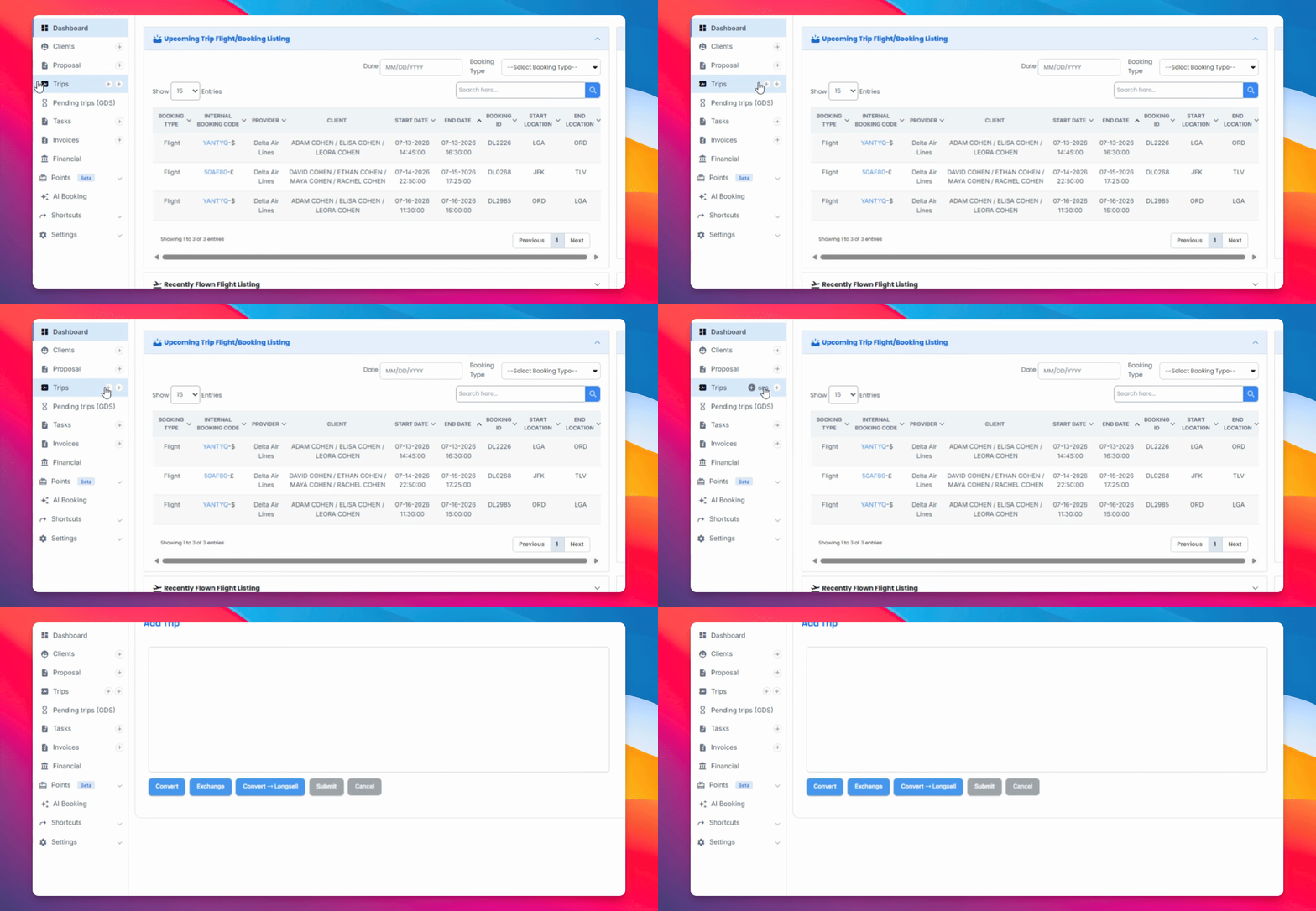
Step 2: Paste and Initiate Exchange
Paste the information into the flight section in the Edge Converter, then click Change Exchange and Exchange from Split PNR.
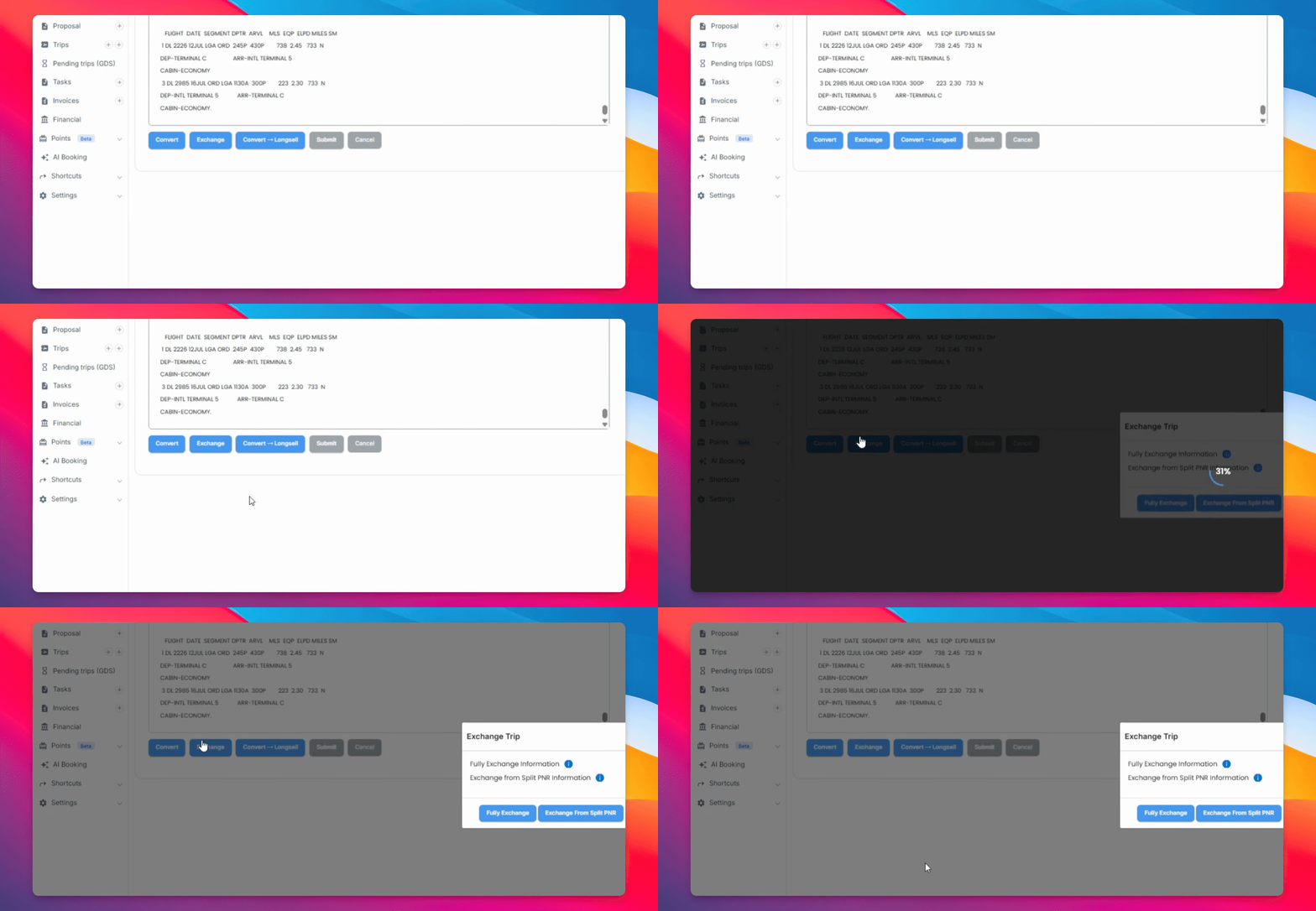
Step 3: CRM Reads PNR Notes
The CRM will read the notes within the PNR to find the existing PNR reference.
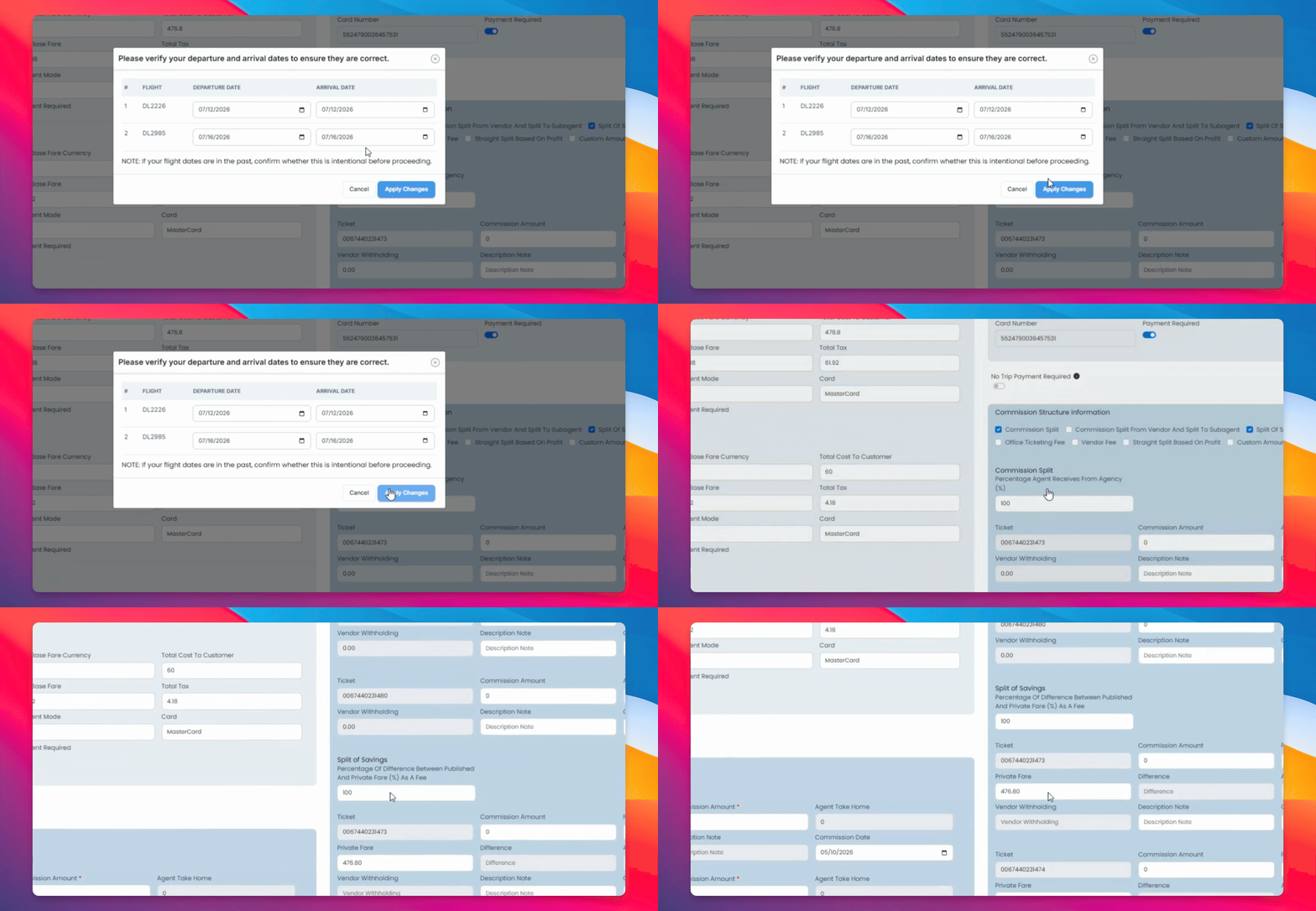
Step 4: Review Flight and Ticket Details
Review the flight and ticket information to confirm accuracy and assign the flights to the correct tickets.
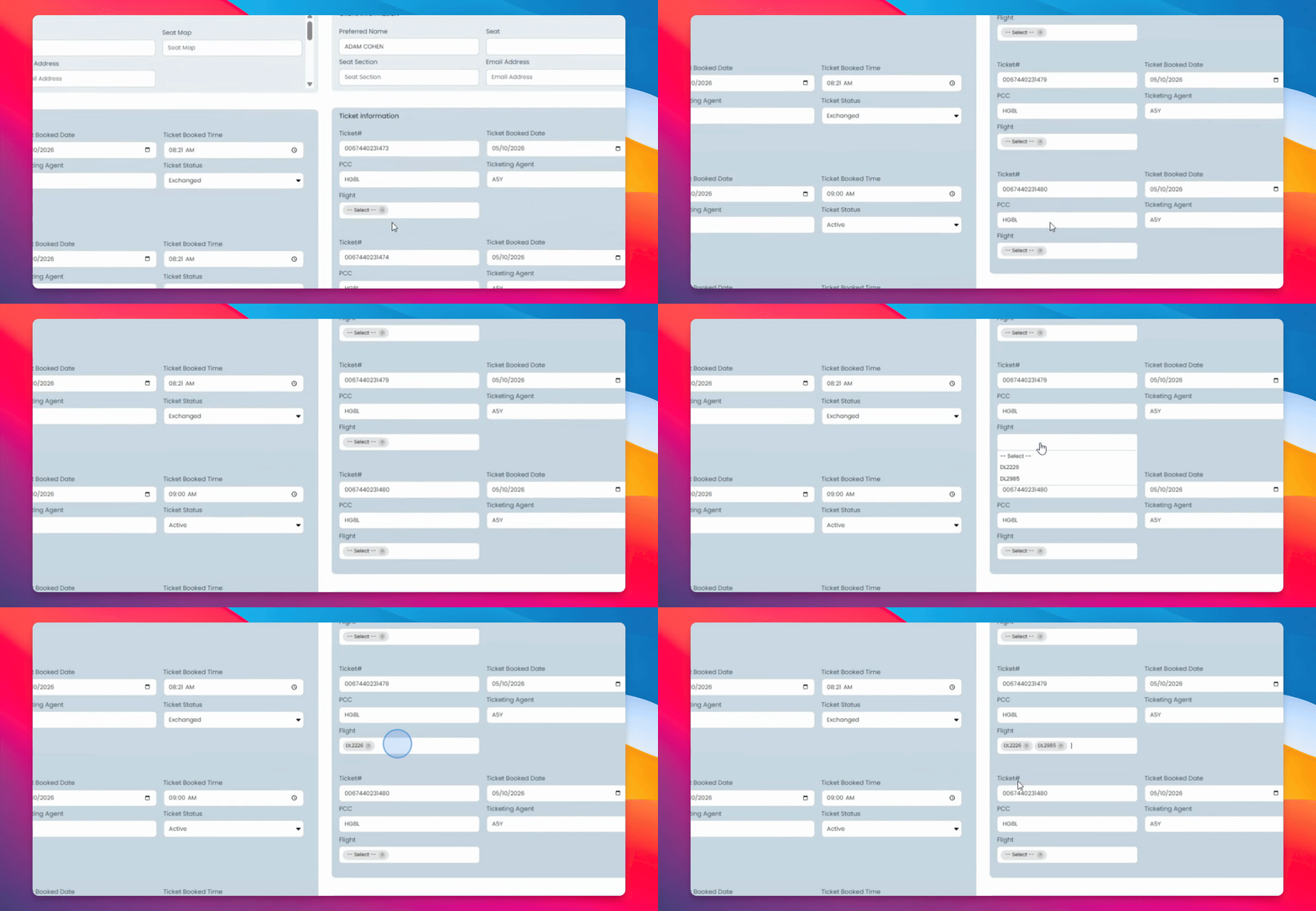
Step 5: Verify Commission and Submit
Check that all commission and split information is correct, then submit the trip to save.
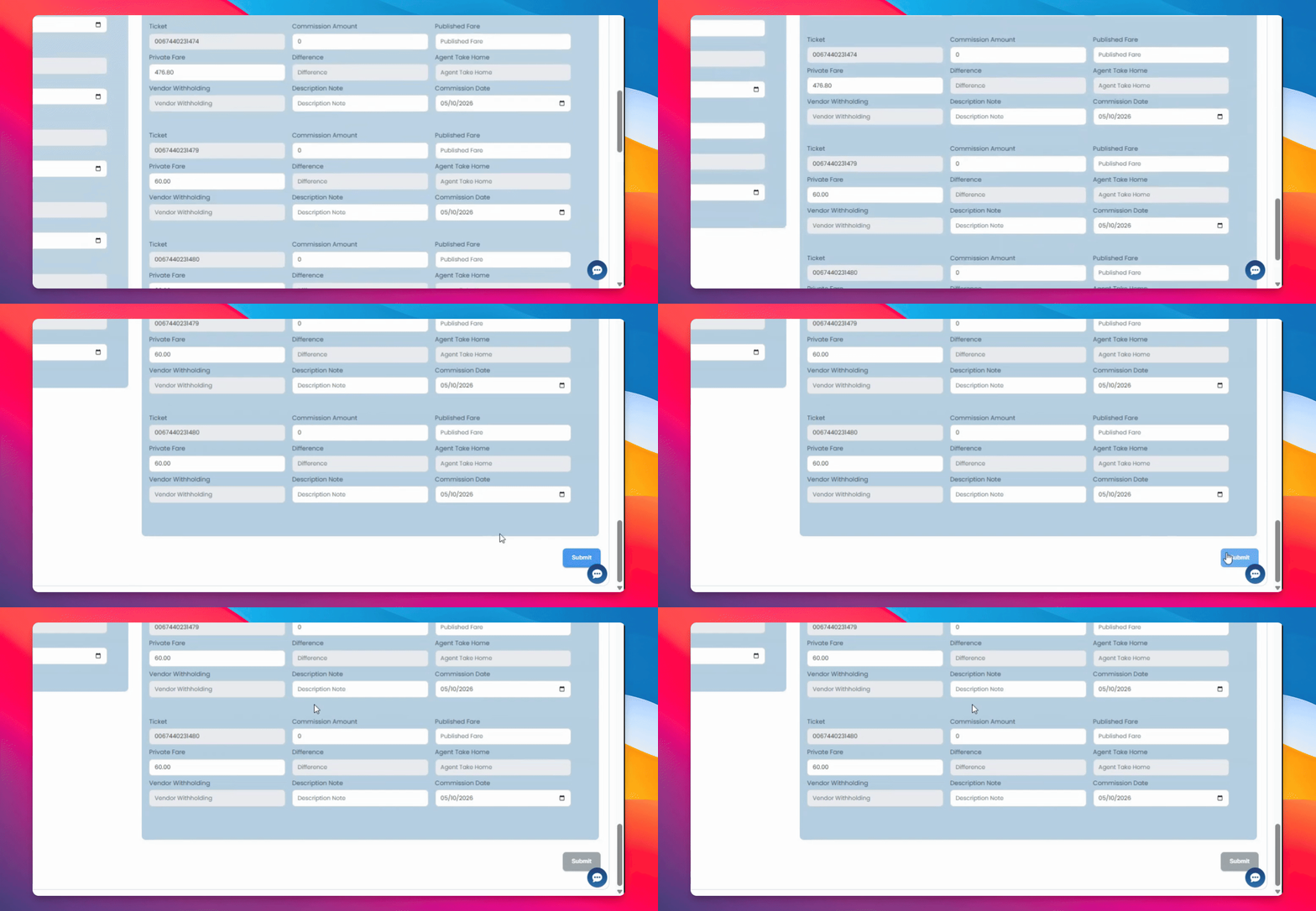
The new PNR will now be saved with the passengers who have been split off, and the original trip will be saved with the original traveler on their original PNR.
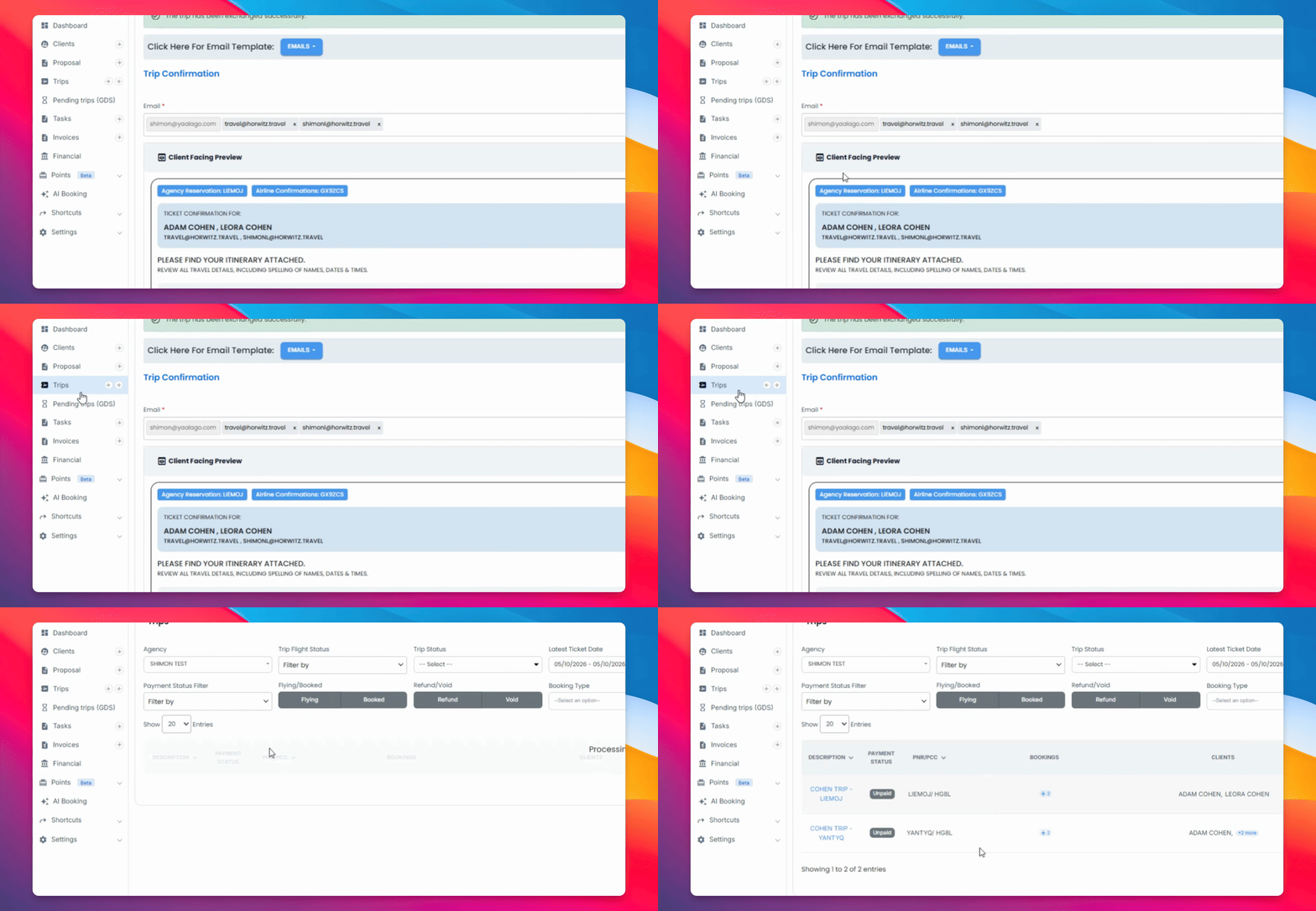
If the original traveler on the original PNR number has changed, you can do a full exchange on that traveler on that PNR after the split is exchanged.