

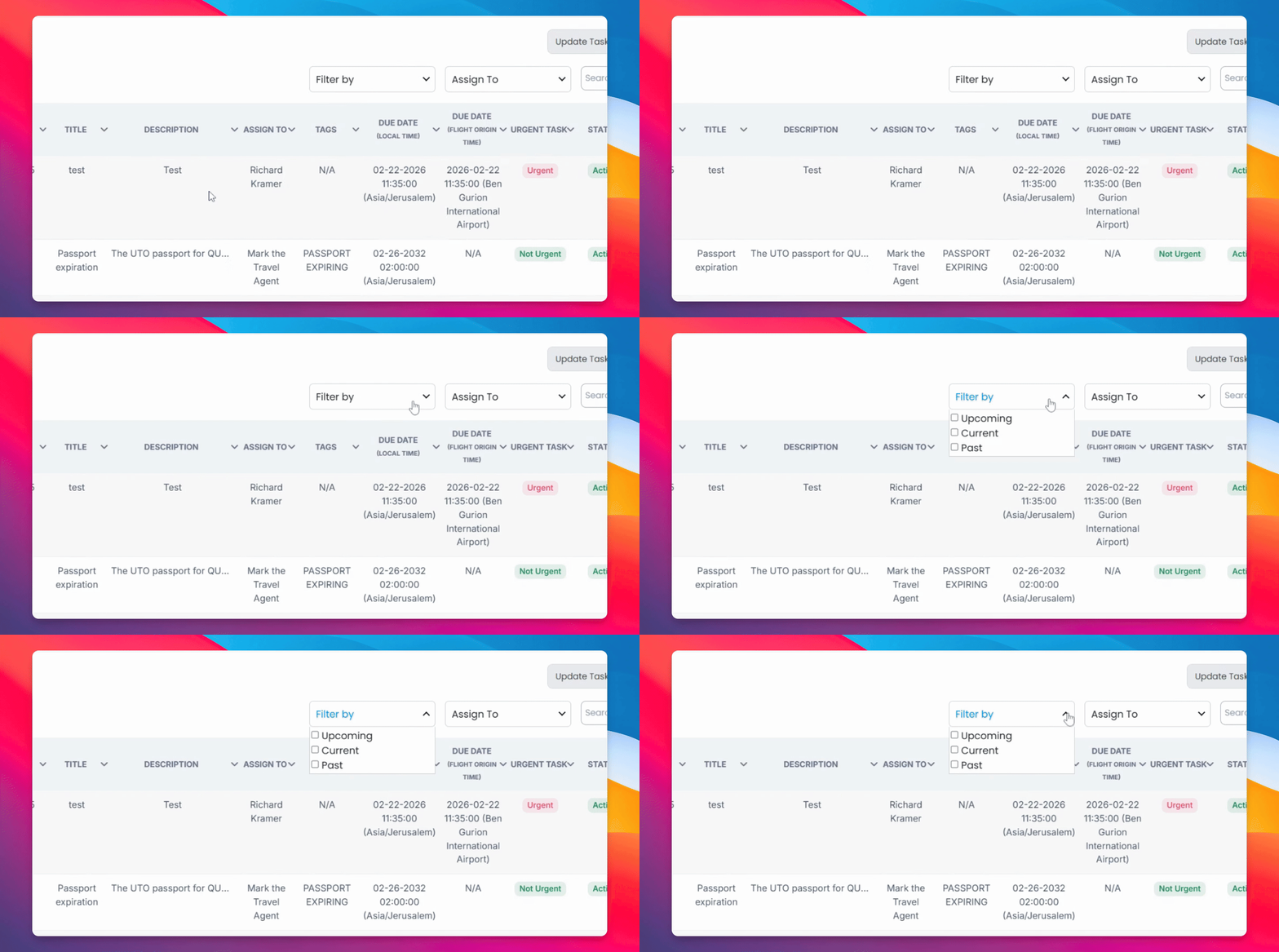
Staying organized starts with finding what you need fast. Use the filters to sort tasks by upcoming, current, or past — or narrow things down by agent or keyword search to jump straight to what matters.
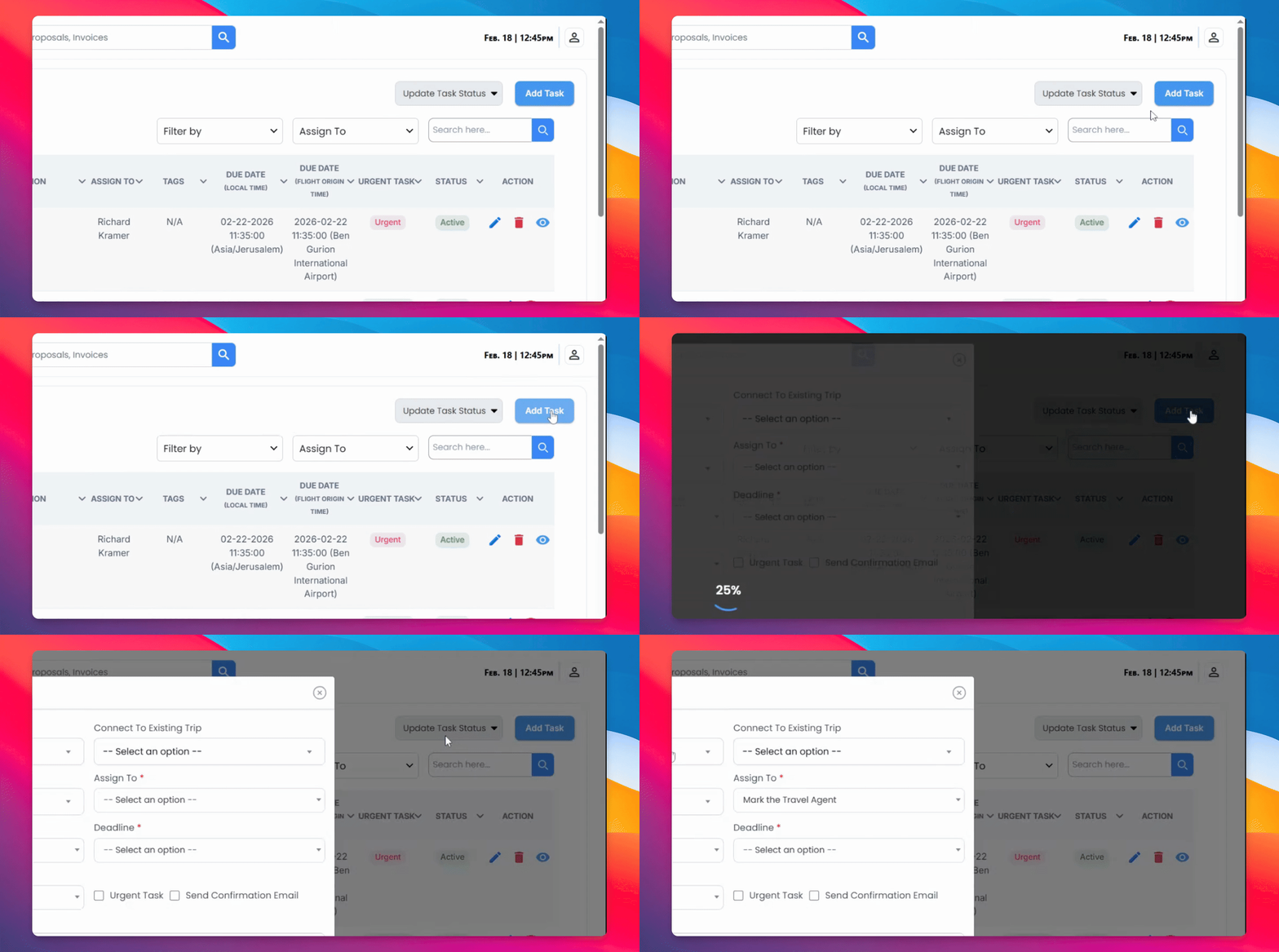
When you're ready to create a task, connect it to the right context by selecting your agency and linking it to a flight. From there, assign it to an agent, choose the task type, and set a deadline so nothing slips through the cracks.
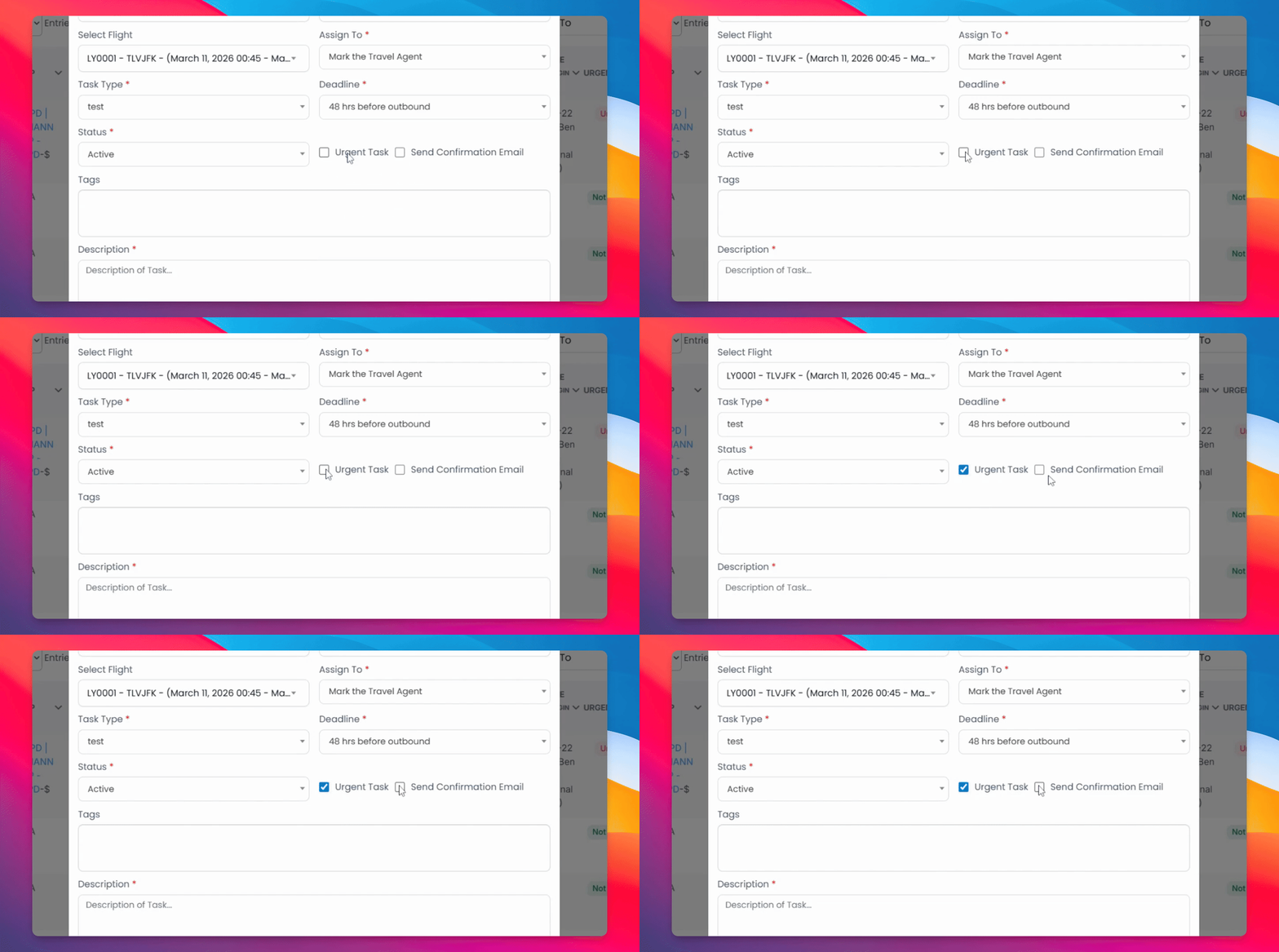
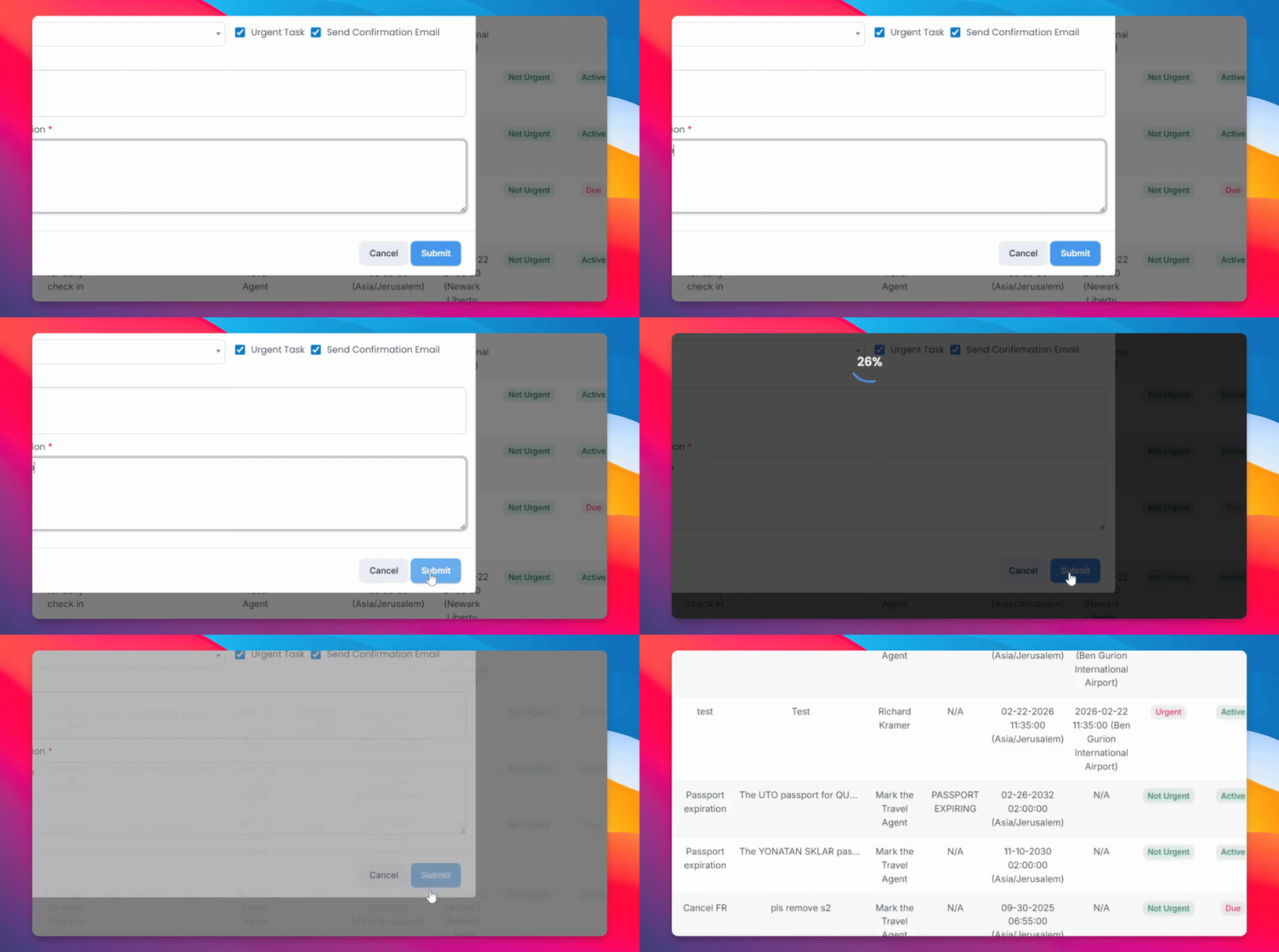
If something needs immediate attention, mark it as urgent and trigger a confirmation email as a built-in reminder.
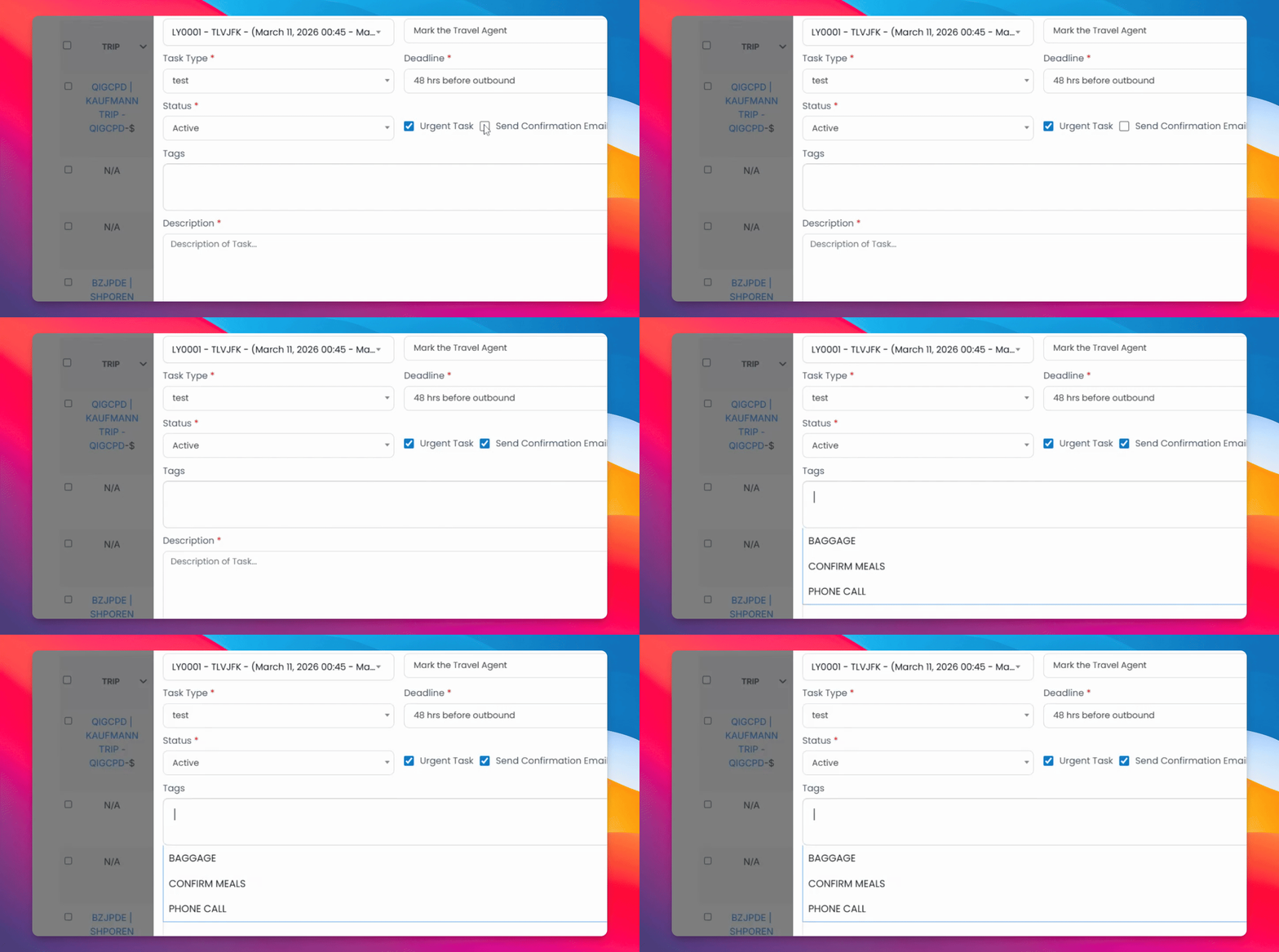
You can also tag the relevant employee and add a description to give them everything they need to act on.
Once everything looks good, hit submit — and you're done.
Staying on top of tasks will help you remain organized and efficient.