

Proposals are used to send client options in the most efficient and professional looking way. Let's look at the steps:
Step 1: Access Proposals
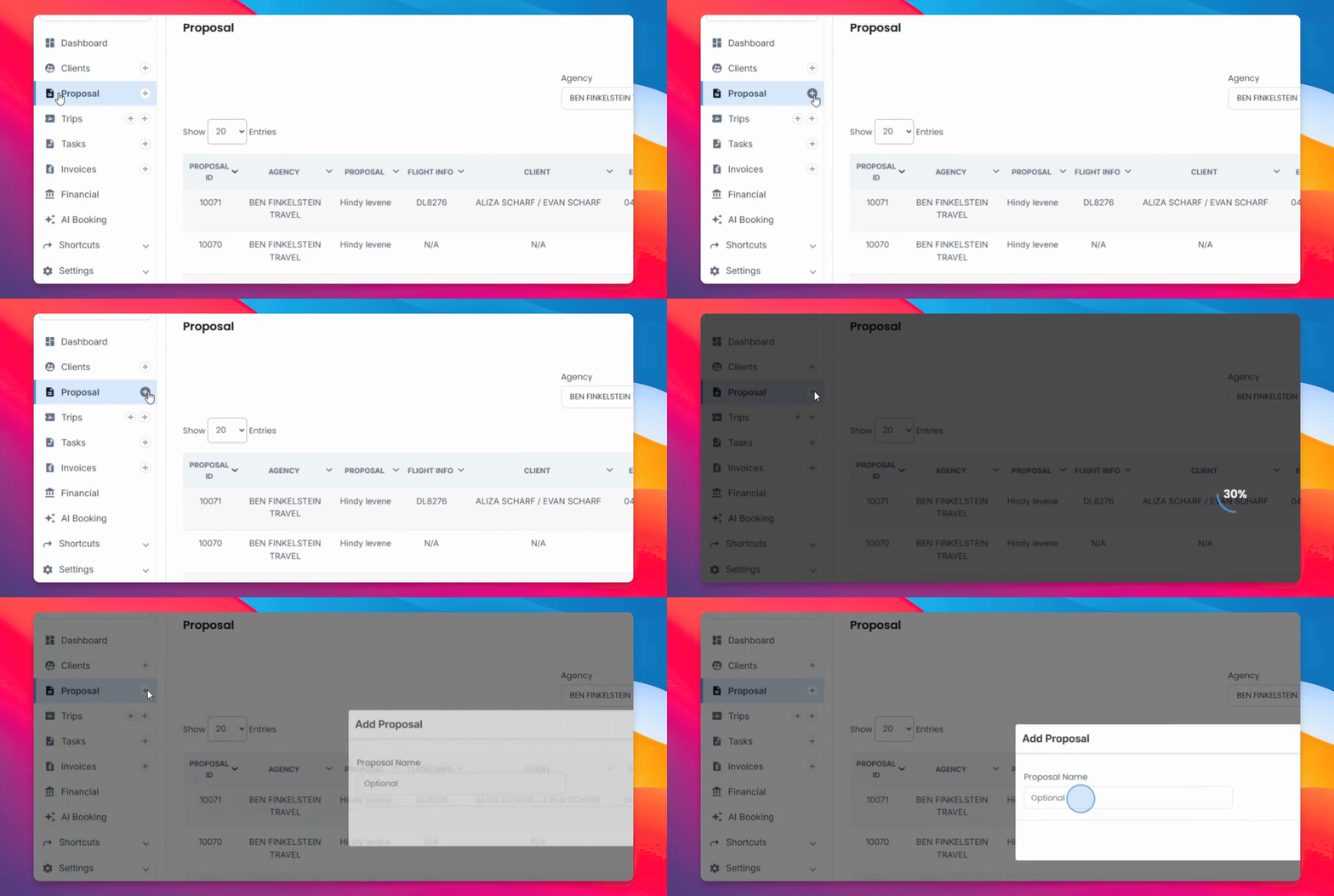
Head over to the proposals section and press the plus sign.
Step 2: Enter Proposal Details
Enter a clear name for the proposal and add in the flight information.
Step 3: Specify Payment Options
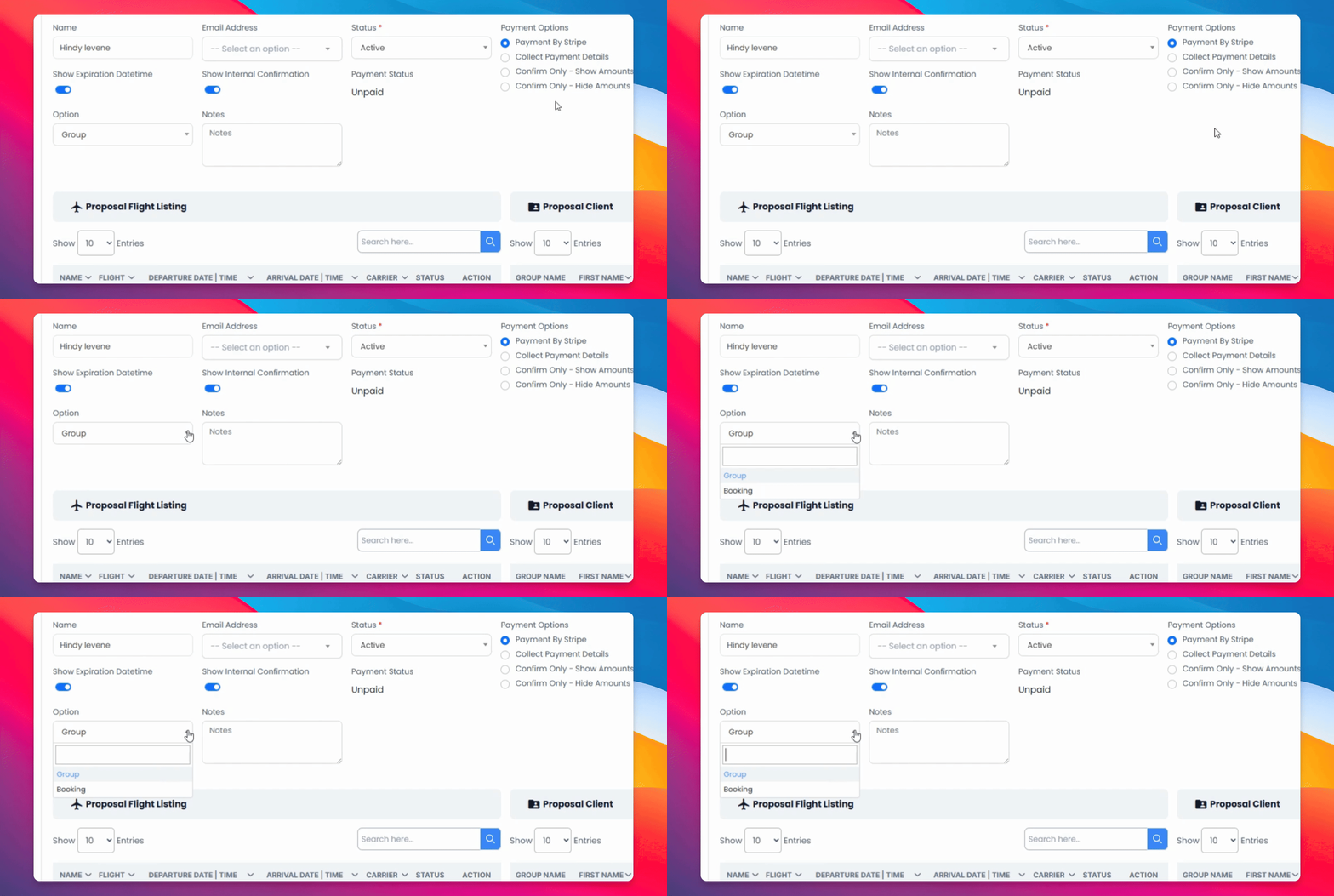
Choose the payment option for this booking and group it by a group or a booking.
Step 4: Add in Your PNR
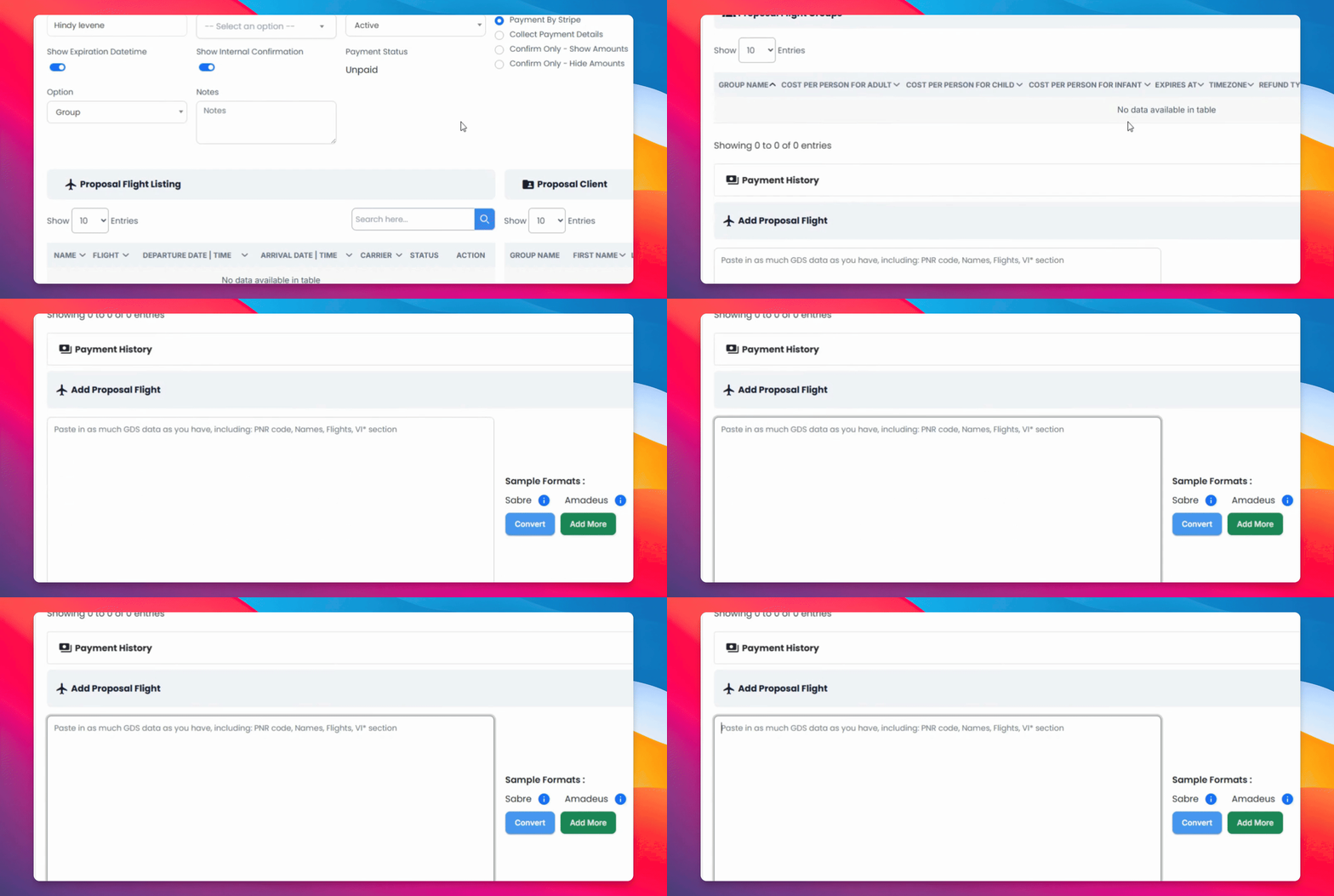
Head to the bottom of the page and add in the PNR then convert.
Step 5: Input Client Information
Add relevant information for the client, including email address and phone number.
Step 6: Enter Costs and Dates
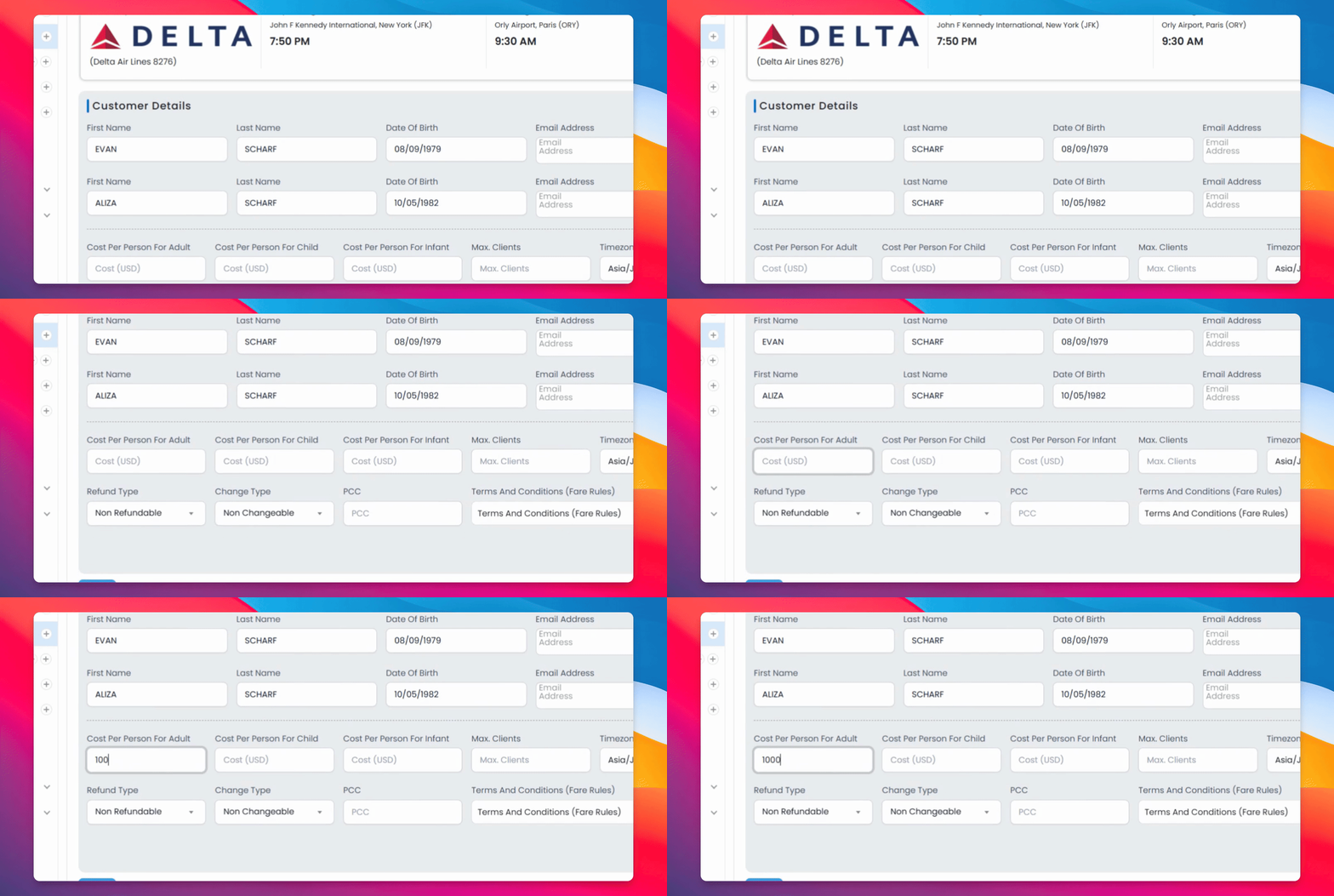
Add the cost per adult and child, time zone, and expiration date.
Step 7: Choose Refund and Change Types
Select the refund type and change type, and enter the pcc if applicable.
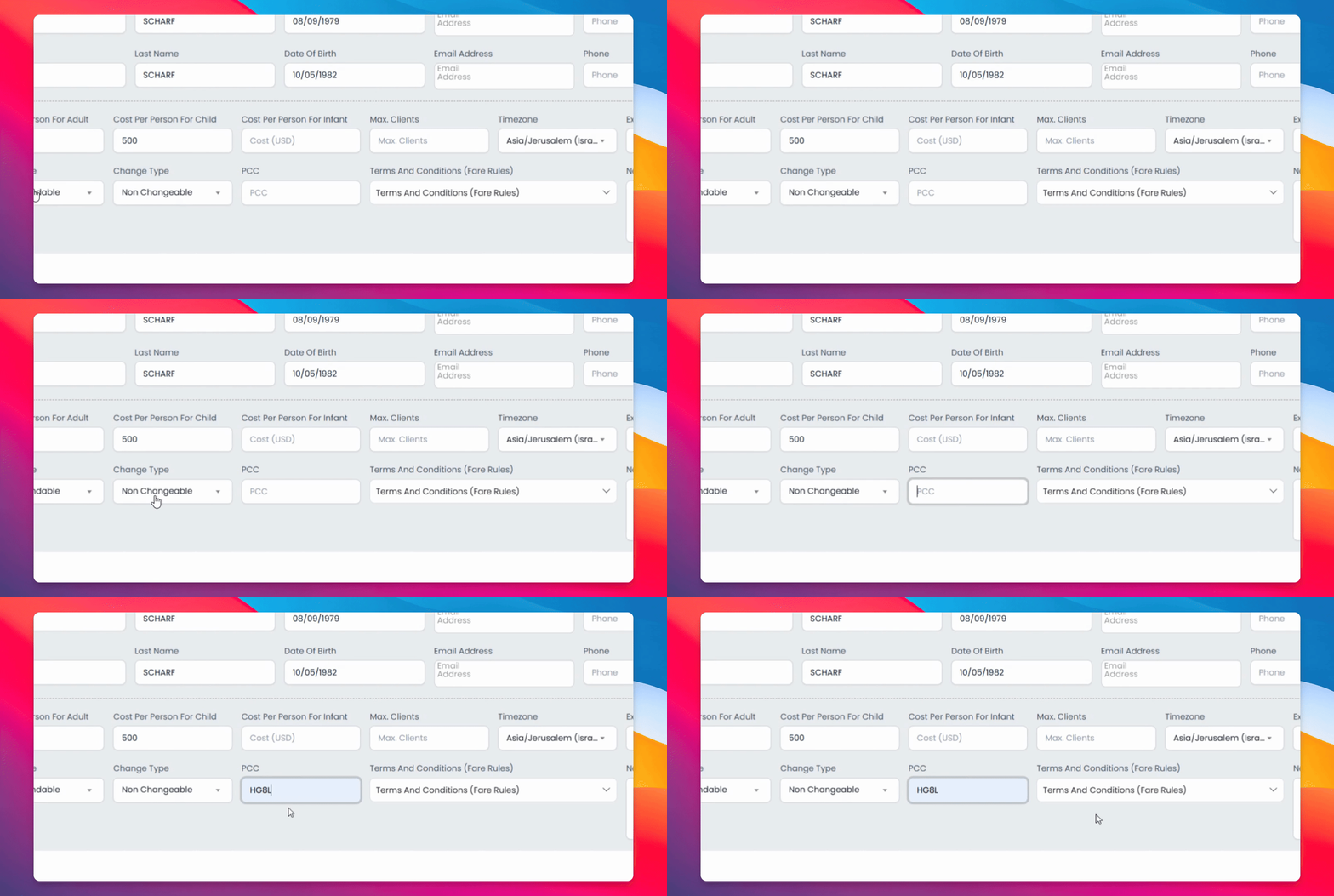
Step 8: Add Terms and Notes
Include terms and conditions and any additional notes for the proposal.
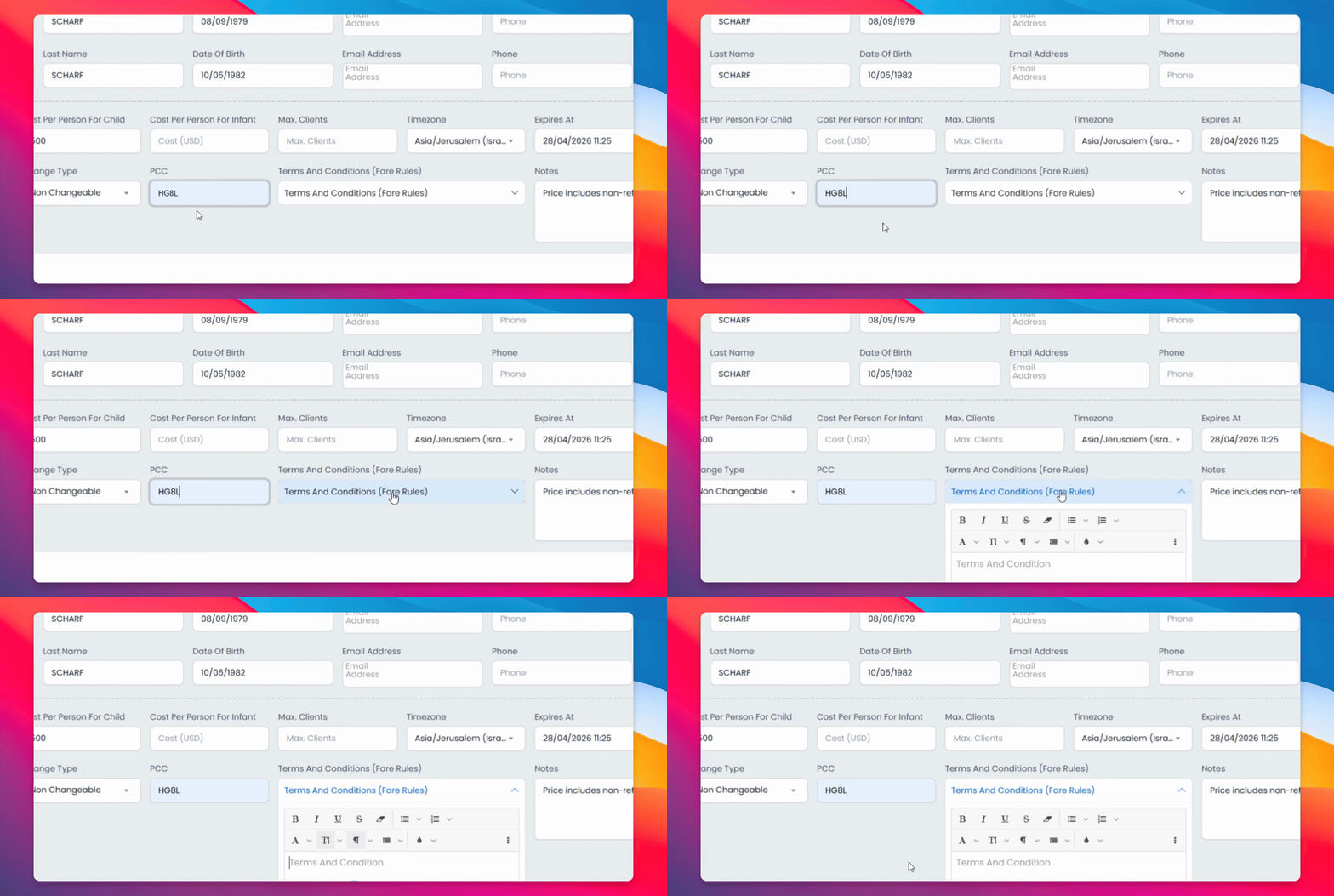
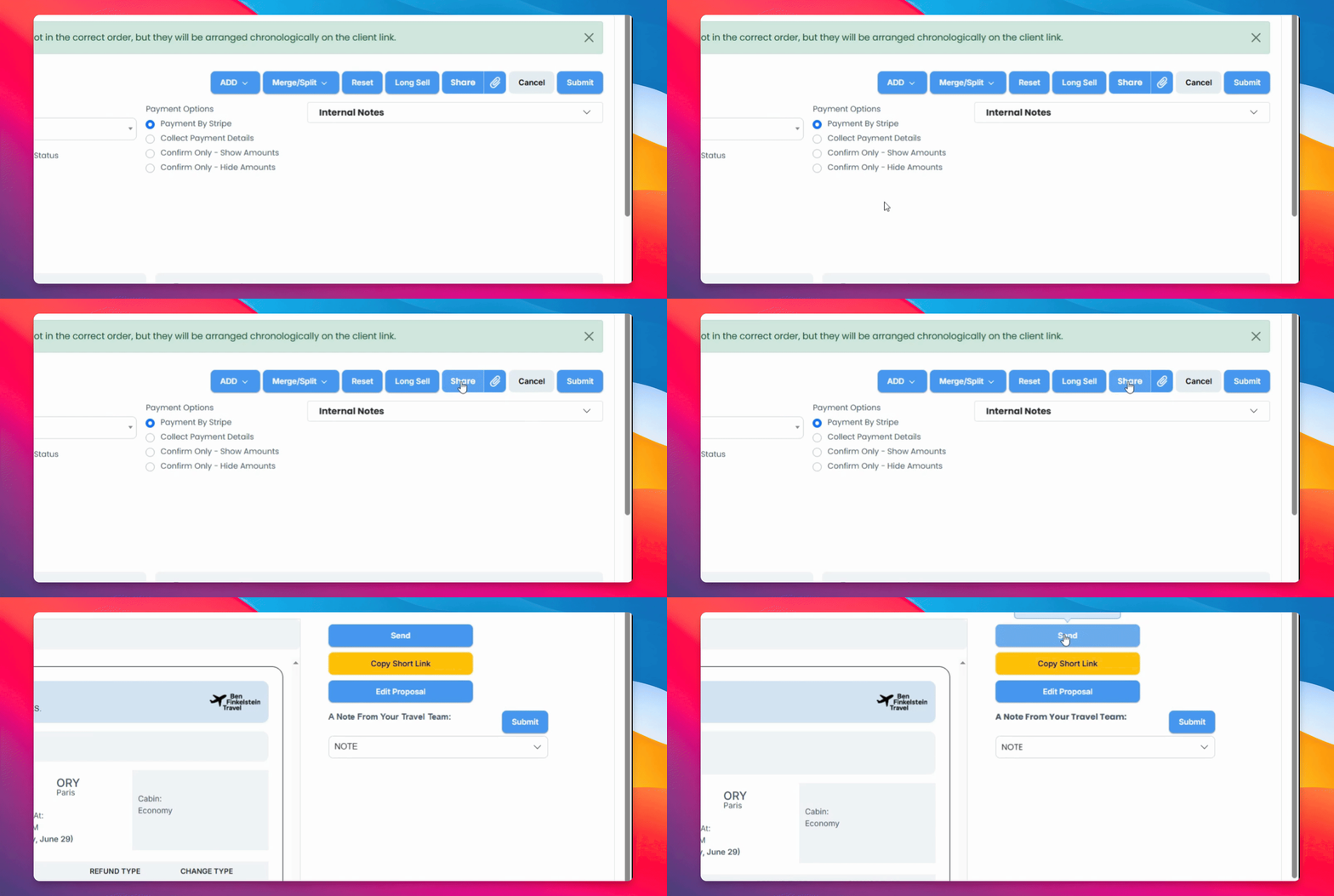
Step 9: Save and Share Proposal
Once saved, share it via email, Copy Short link, or send a screenshot.
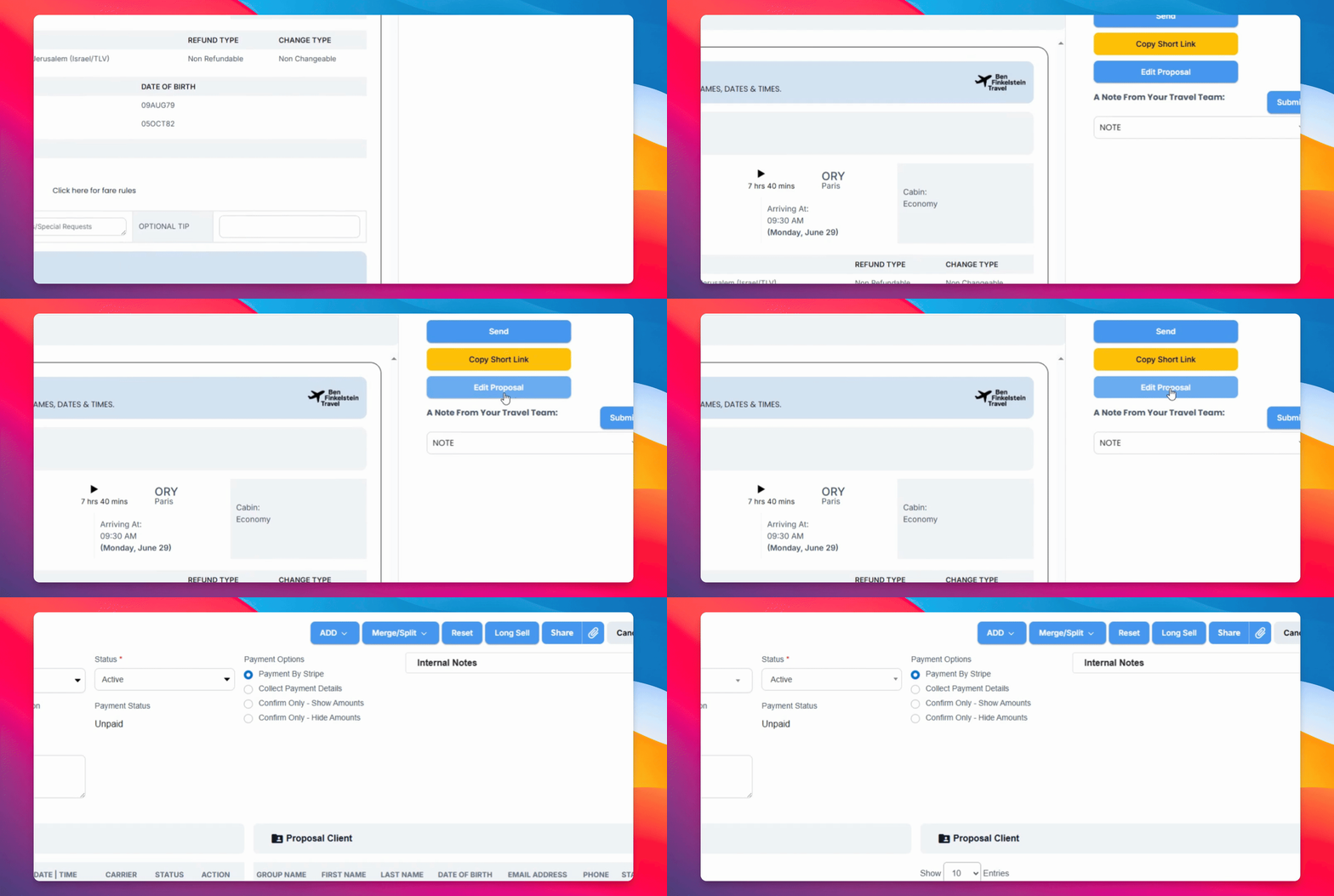
Step 10: Edit Proposal
You can go back and edit the proposal and add additional options such as flights, car rentals, hotels, and more.
And there you have it. This is how you send a client a proposal to show them the options available.