

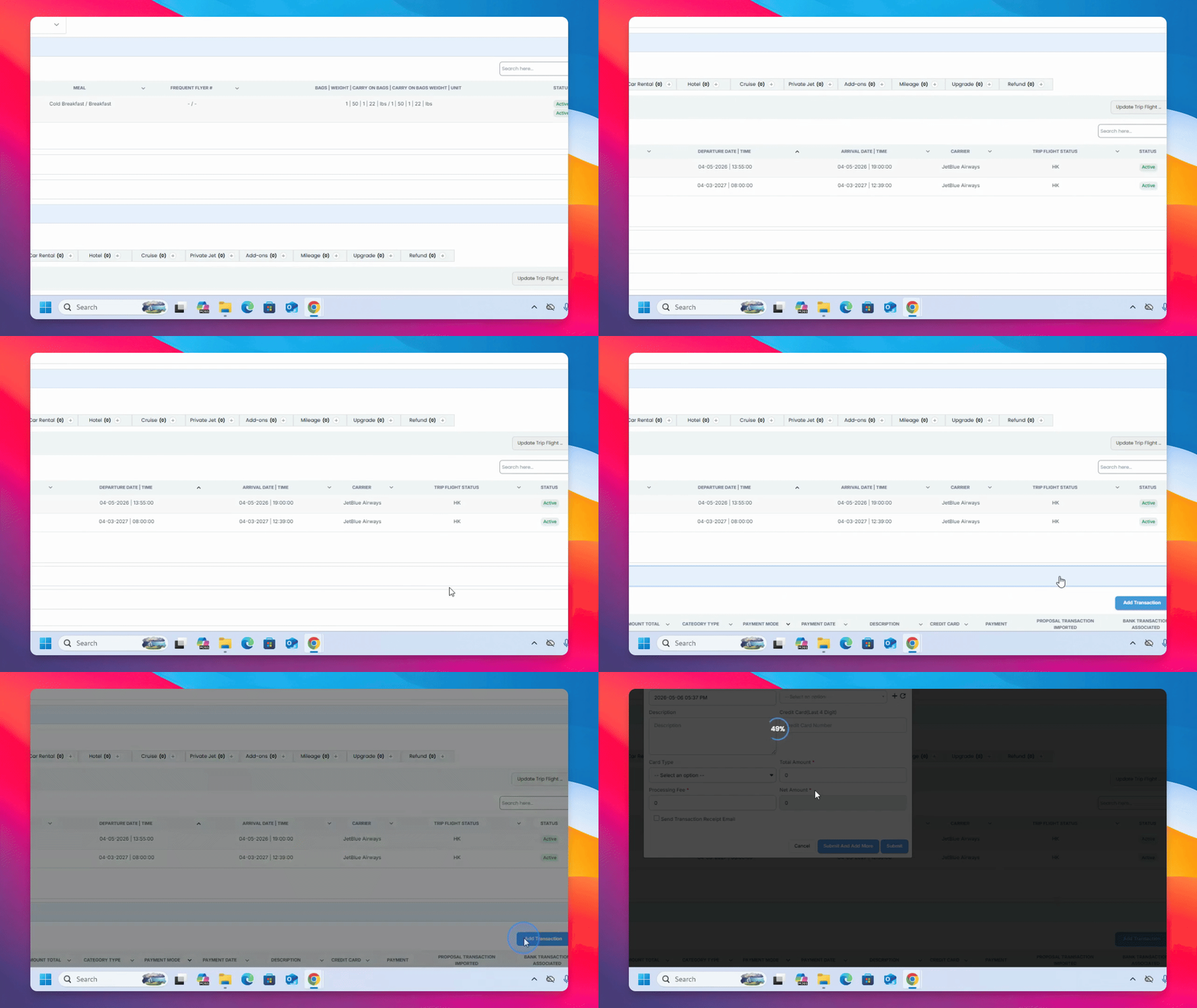
Step 1: Add a Payment Transaction
Scroll down to Payment history and click Add Transaction.
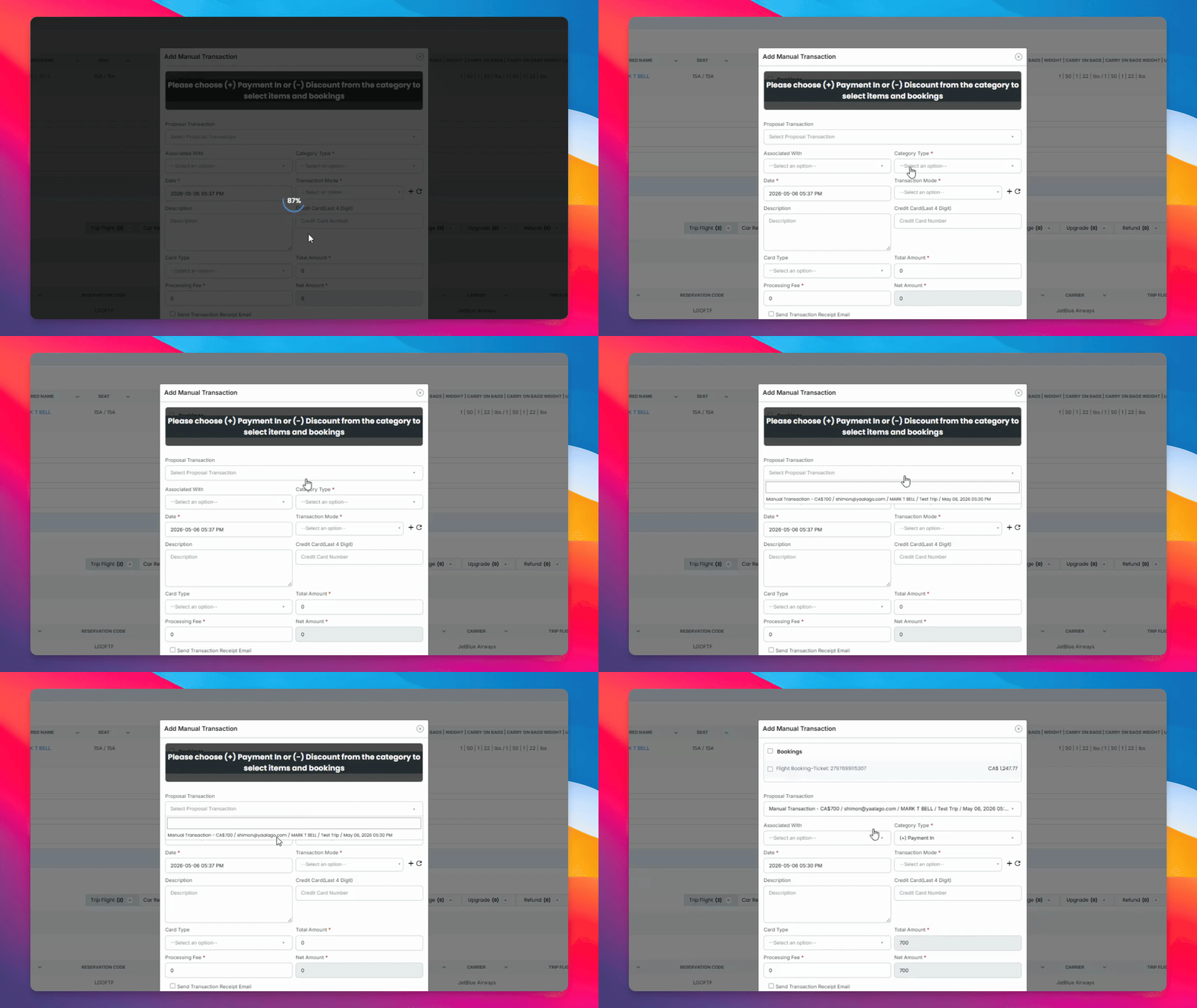
Step 2: Associate or Add Payment
You can associate a payment from an existing proposal or add a manual payment using credit transaction modes and credit card payments.
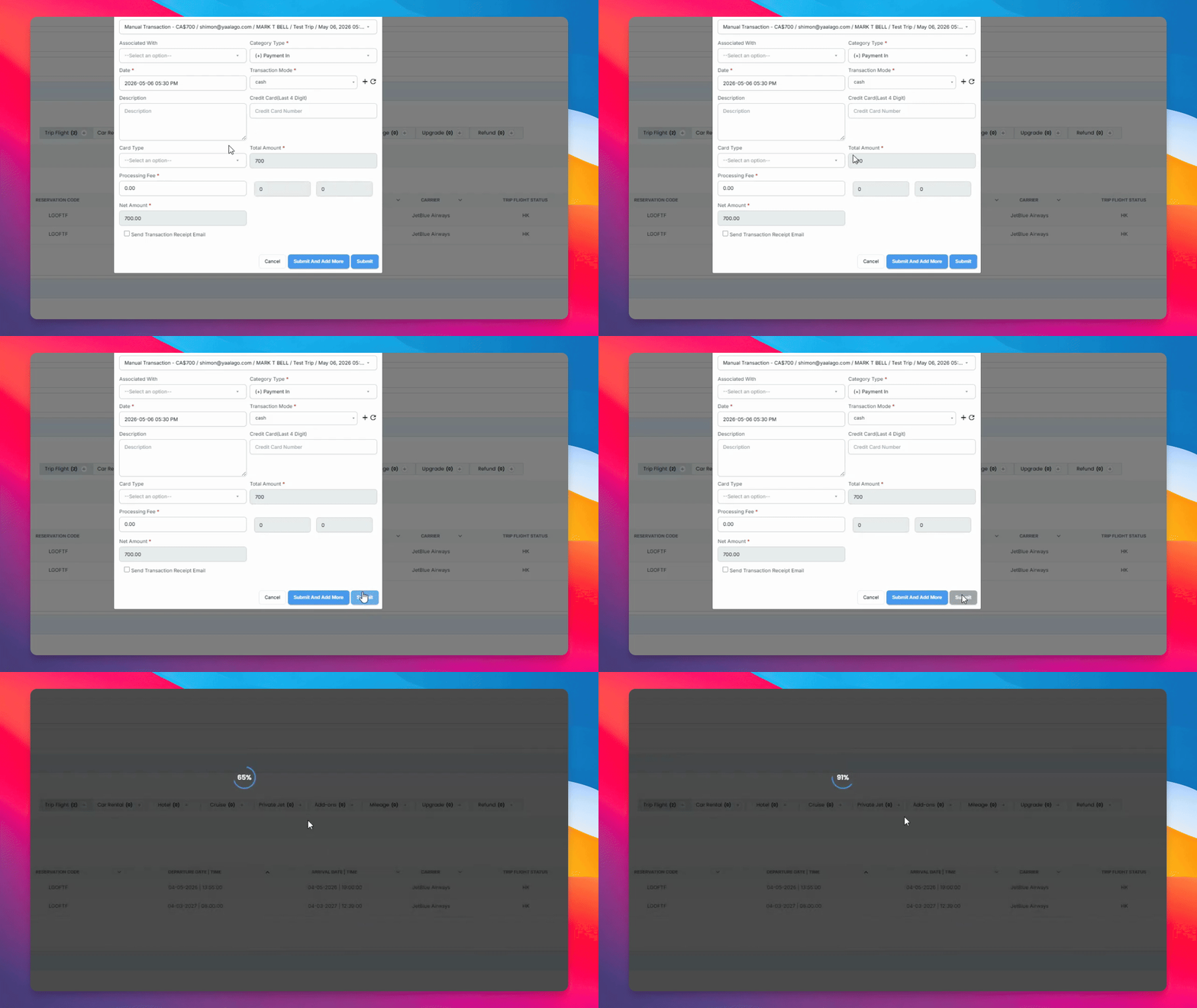
Step 3: Submit Payments
Click Submit to add the payments.
The revenue and expected profits will automatically update to reflect received payments.