

This guide explains how to set up payment methods and choose a default payment collection method for your agency. Let's look at the steps:
Step 1: Open Payment Details
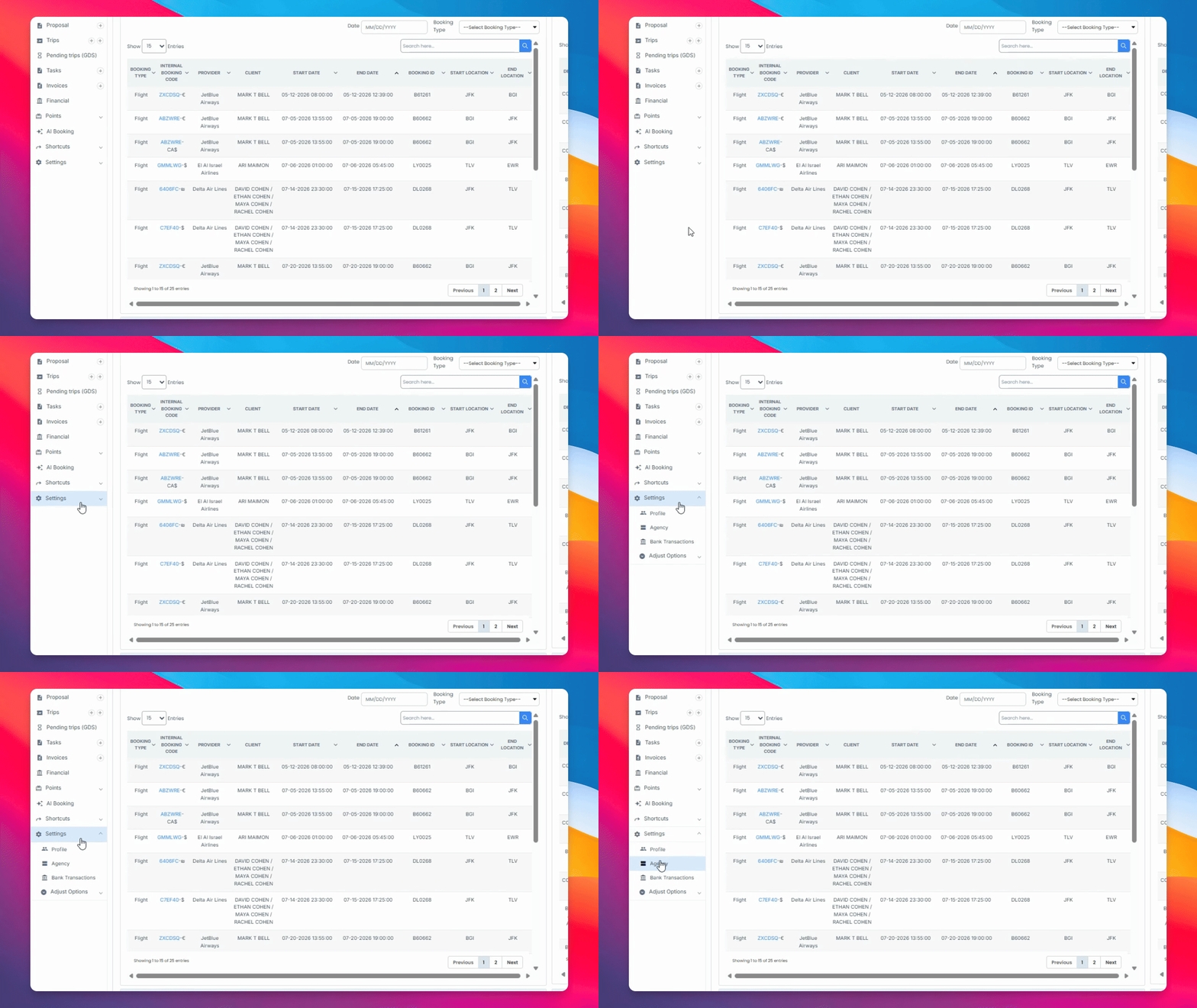
Navigate to Settings Agency, select the agency you want to adjust, and click on payment details.
Step 2: Enable Payment Providers
Enable either Stripe or USAEPay as your payment provider.
Step 3: Enter Stripe or USAEPay Keys
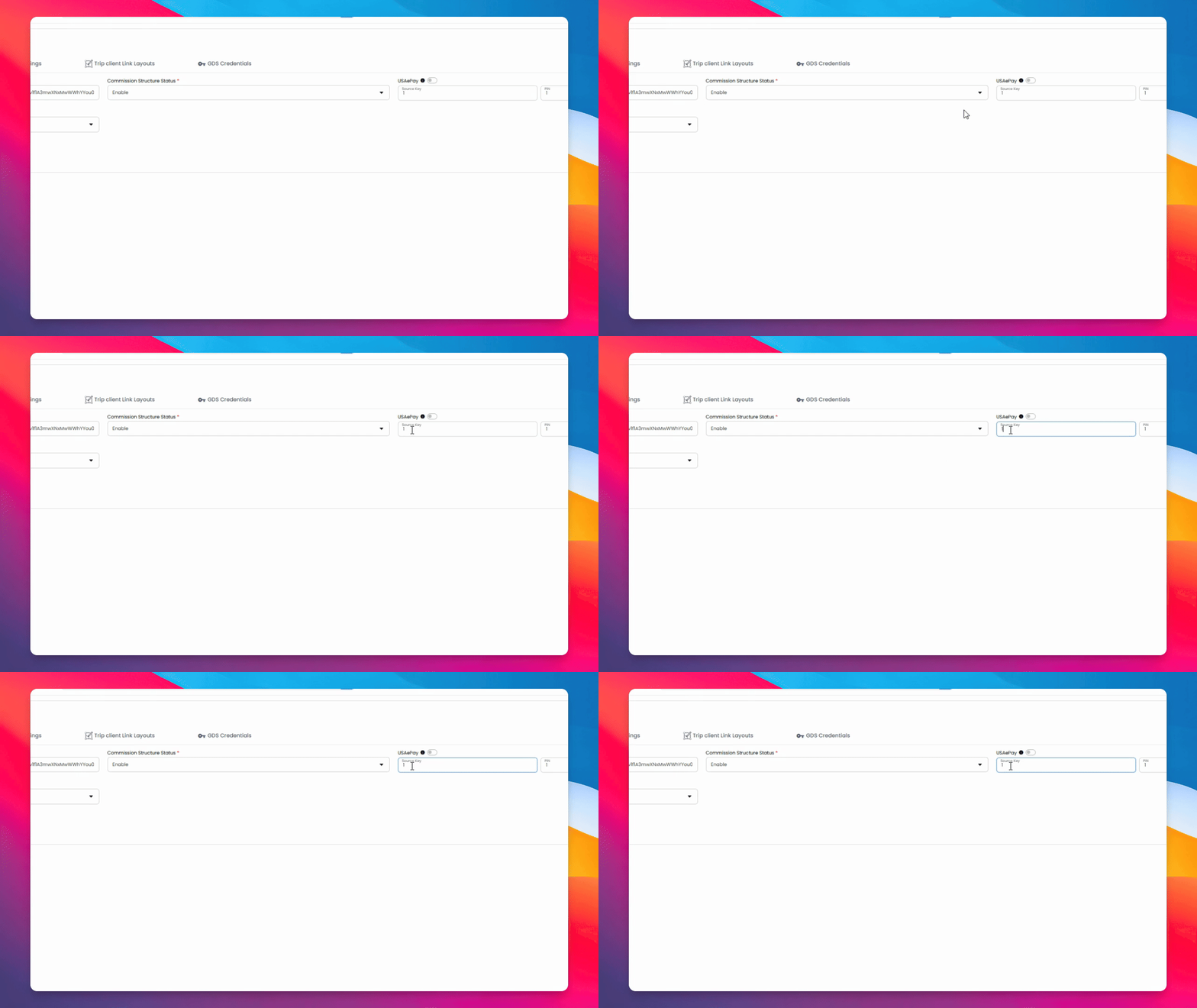
For Stripe, paste the secret key generated in your Stripe account. For USAEPay, issue the sort key along with its PIN.
Step 4: Save Payment Settings
Click Submit to save your payment settings on this page.
Step 5: Set Default Payment Option
Select the Default Payment option for proposals as needed.
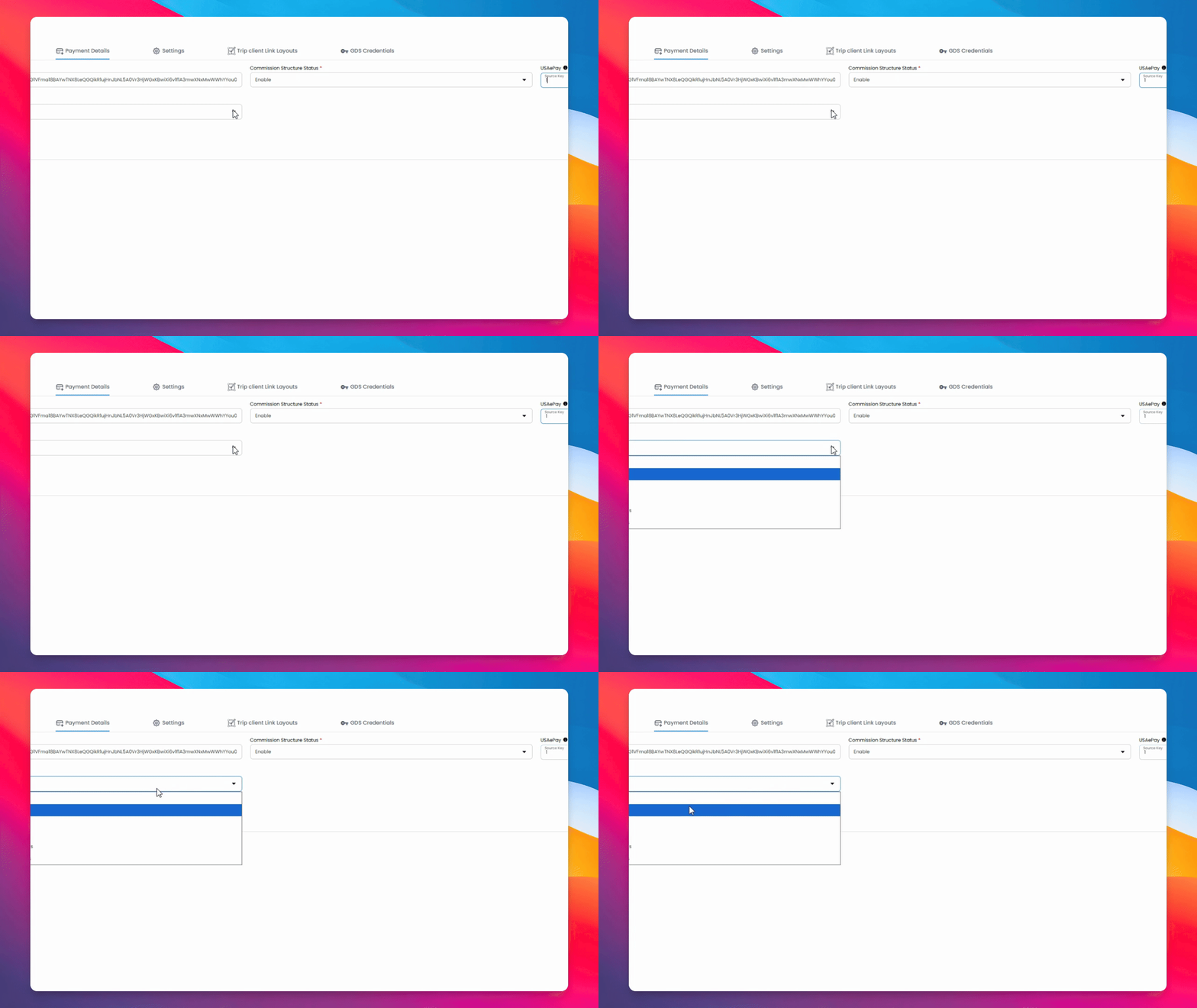
Proposals can include payment by Stripe, collecting payment details for use within the GDS, charging through your own credit processor, confirming only with amounts, or confirming only with amounts hidden.