

Follow these steps to add a new user in your CRM. Let's look at the steps:
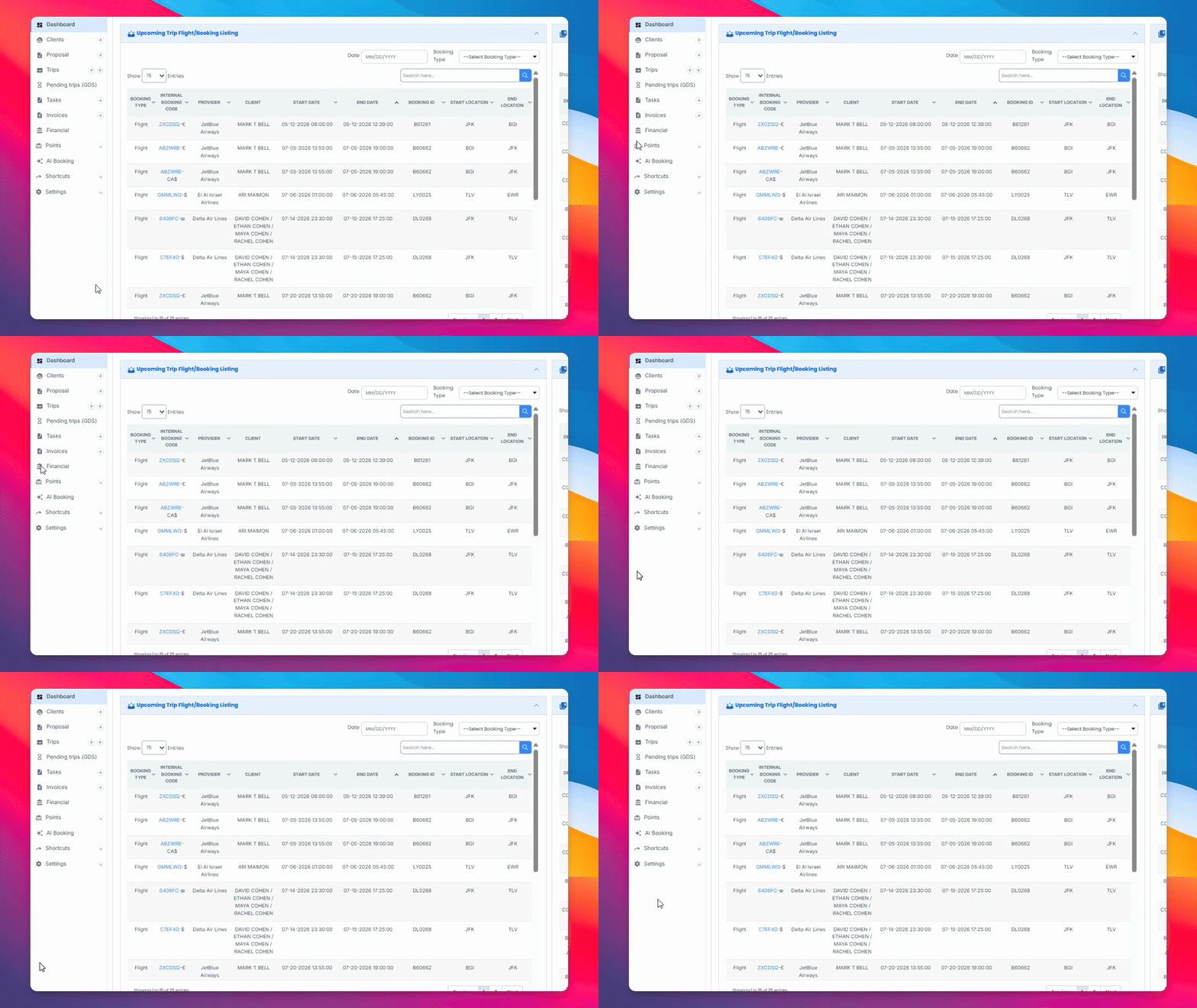
Step 1: Go to Settings
Navigate to the Settings page within the CRM to begin the process.
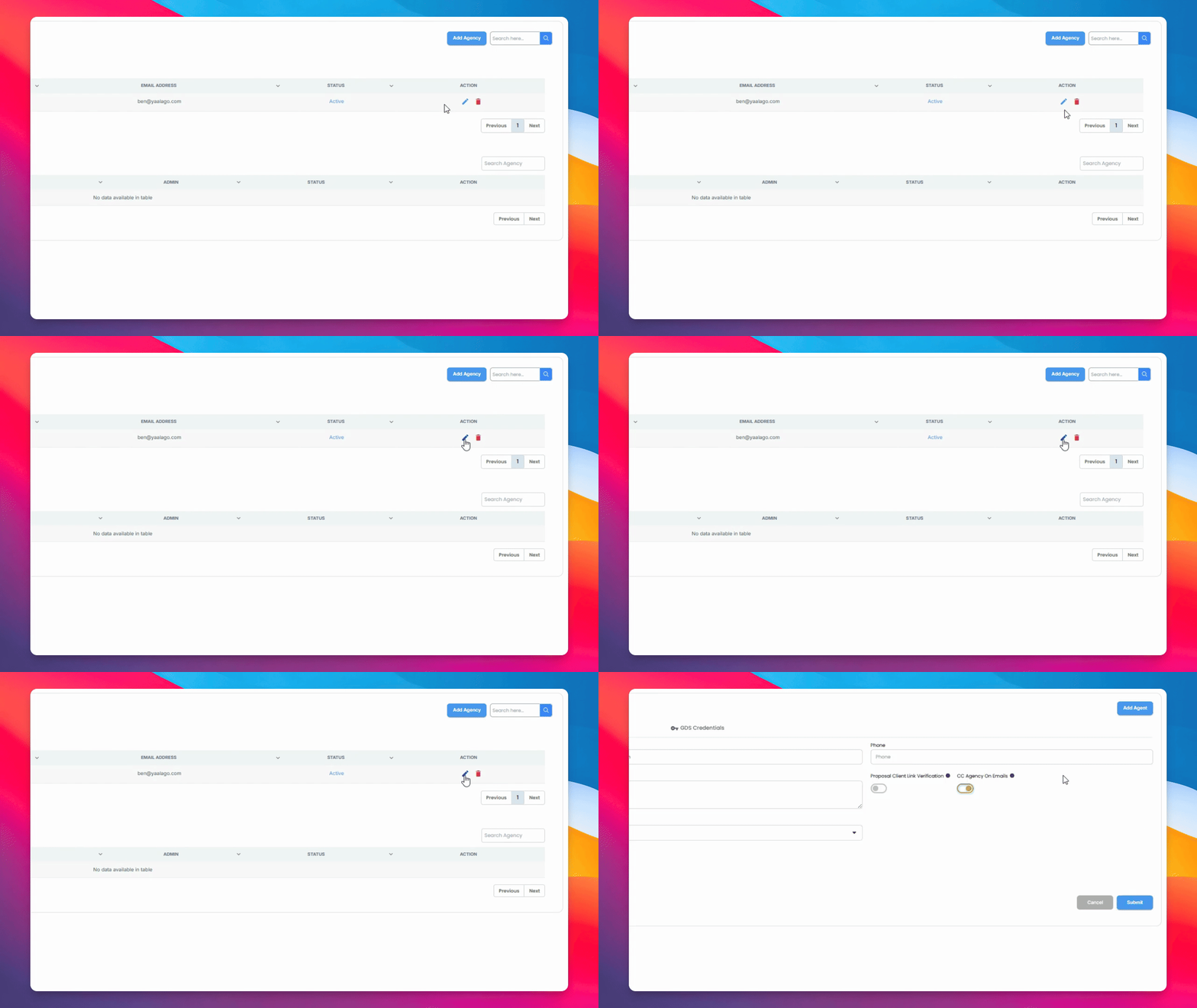
Step 2: Choose Agency
In the Agency menu, select the agency where you want to add the agent.
Step 3: Select Add Agent and Role
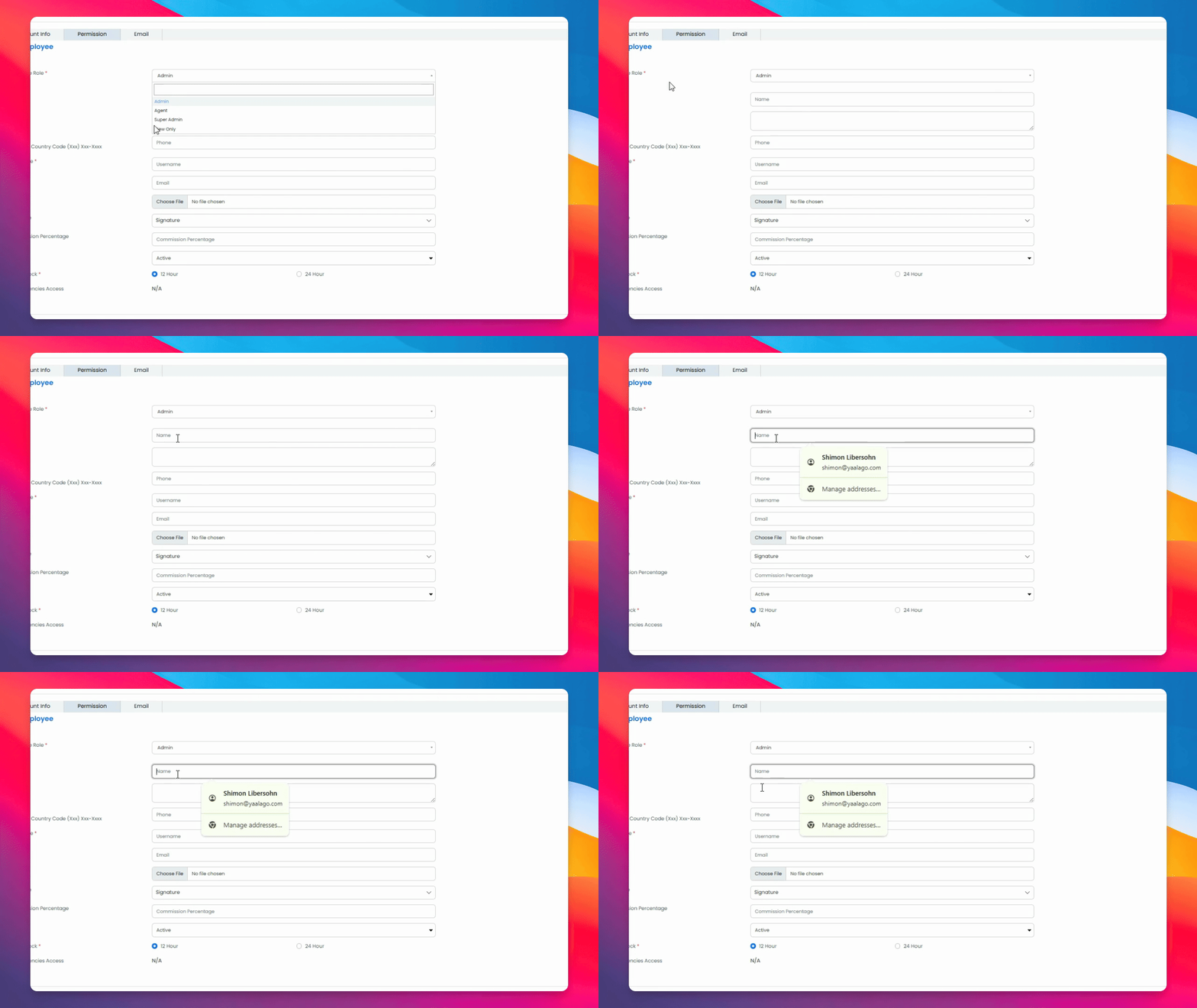
Select Add Agent, then choose the appropriate role for the agent from Admin, Agent, Super Admin, or View Only.
Step 4: Enter Agent Details
Add the traveler's name, phone number, username, and email. Optionally, upload a logo, select a custom signature, and set a commission percentage.
Step 5: Submit the User
Click Submit to save the new user in the CRM.