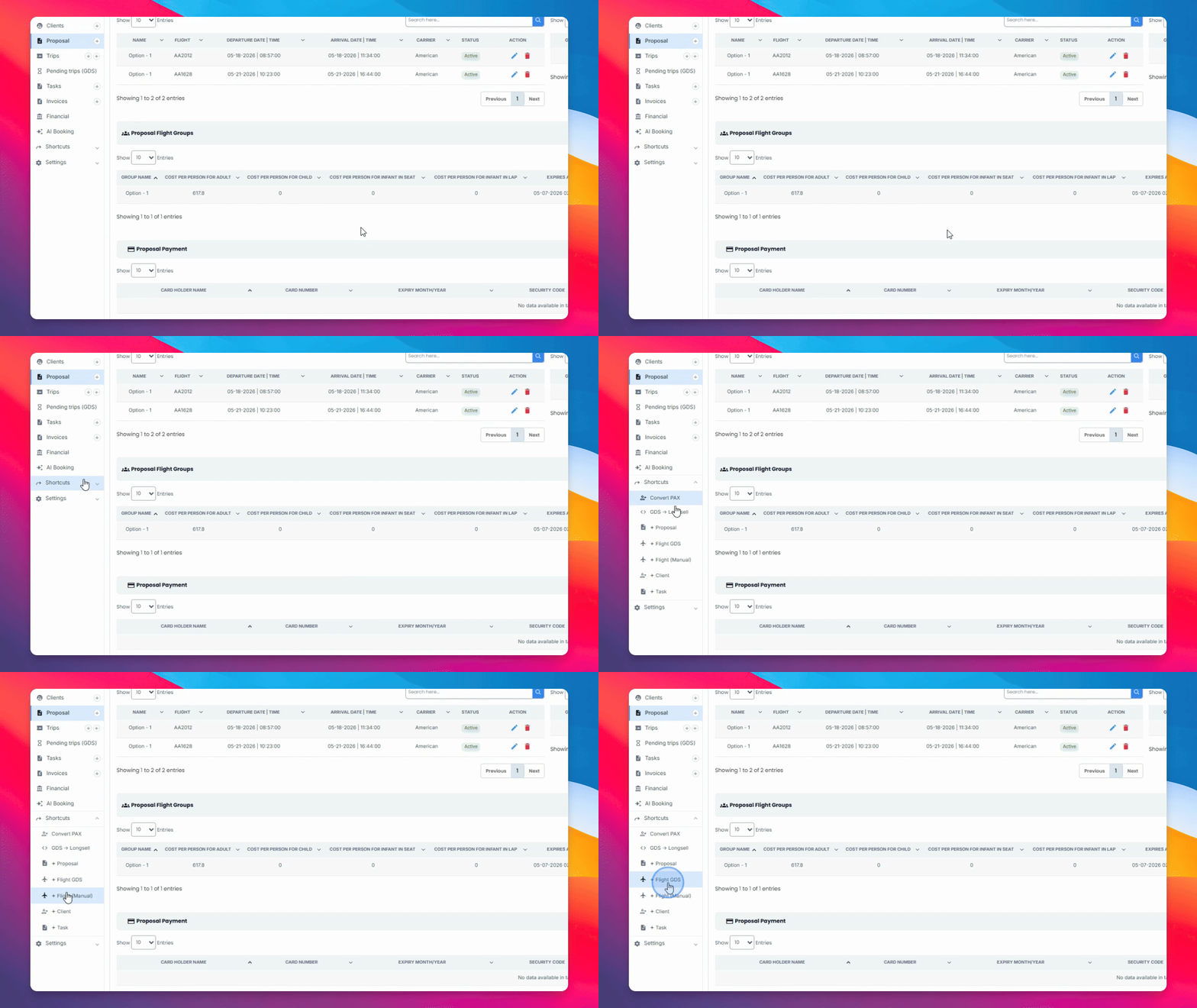

In this guide, you'll learn how to import a trip from Matrix into Yaalago to create a proposal. Let's look at the steps:
Step 1: Copy Trip Itinerary from Matrix
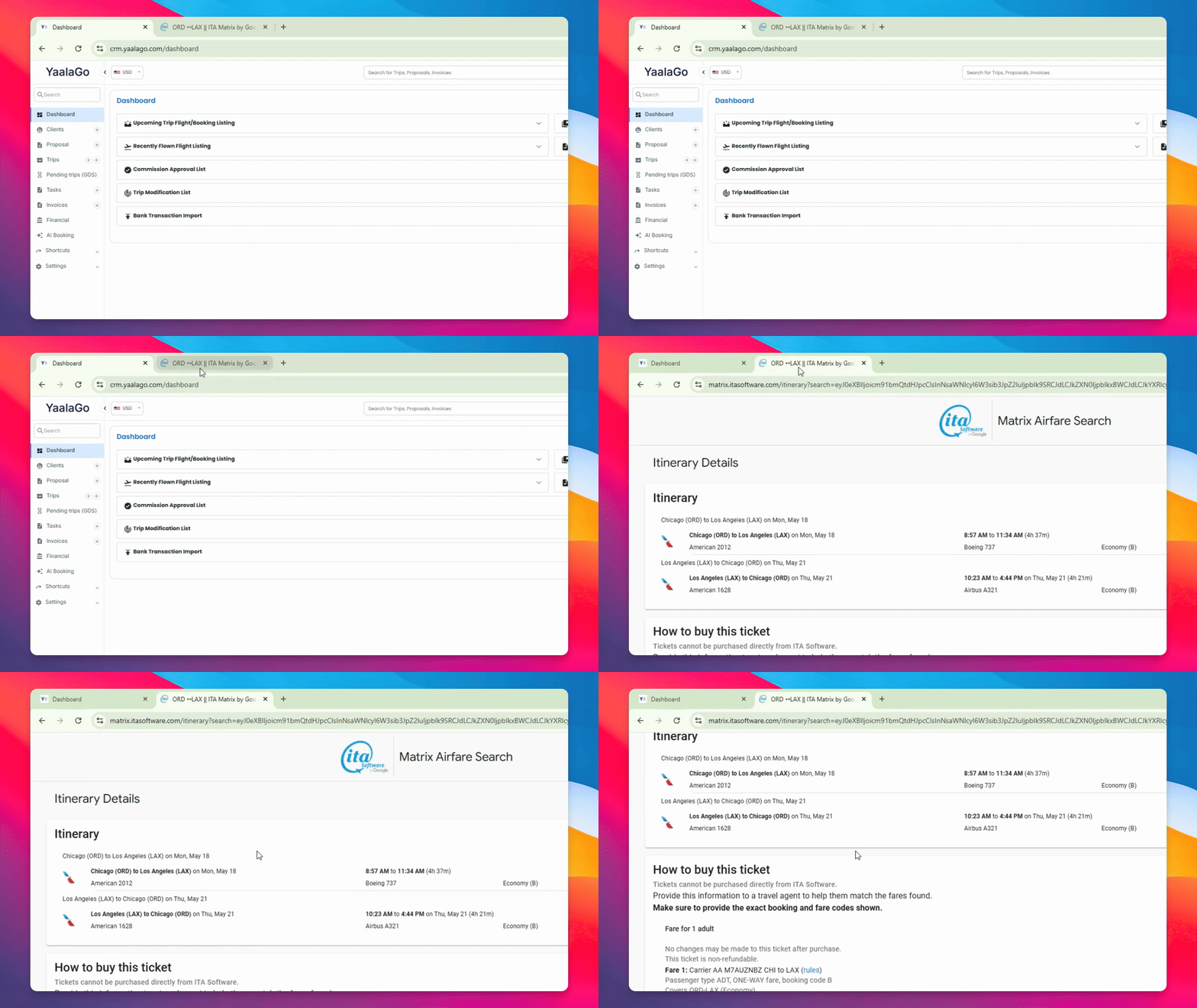
Go to Matrix and select your desired trip. On the right side, click the button labeled Copy itinerary as JSON file. This action copies the trip details as a JSON file to your clipboard.
Step 2: Access AI Booking in Yalago
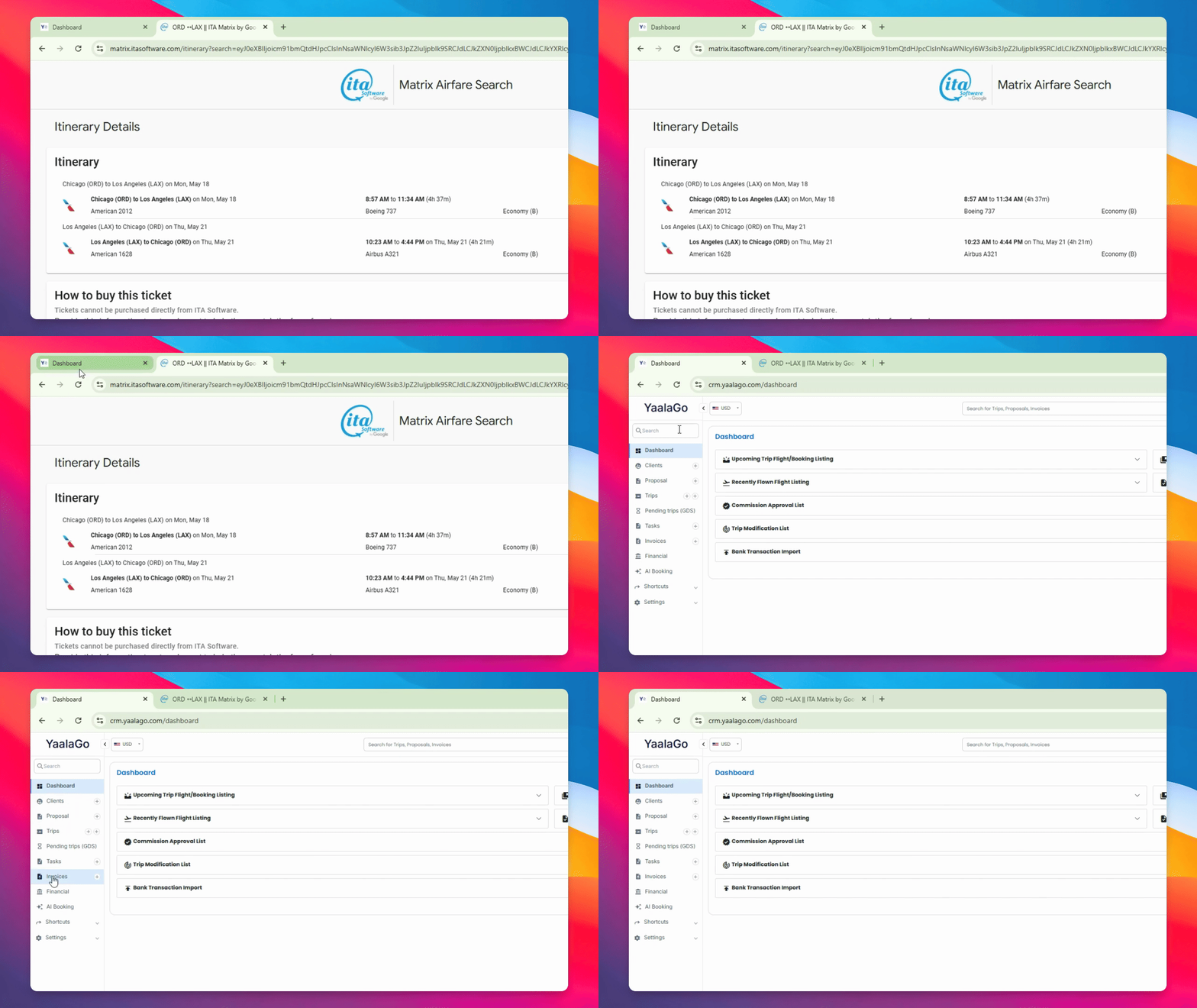
Open Yaalago and navigate to the AI Booking section. Click on AI Booking to proceed.
Step 3: Select Proposal and Paste Trip Data
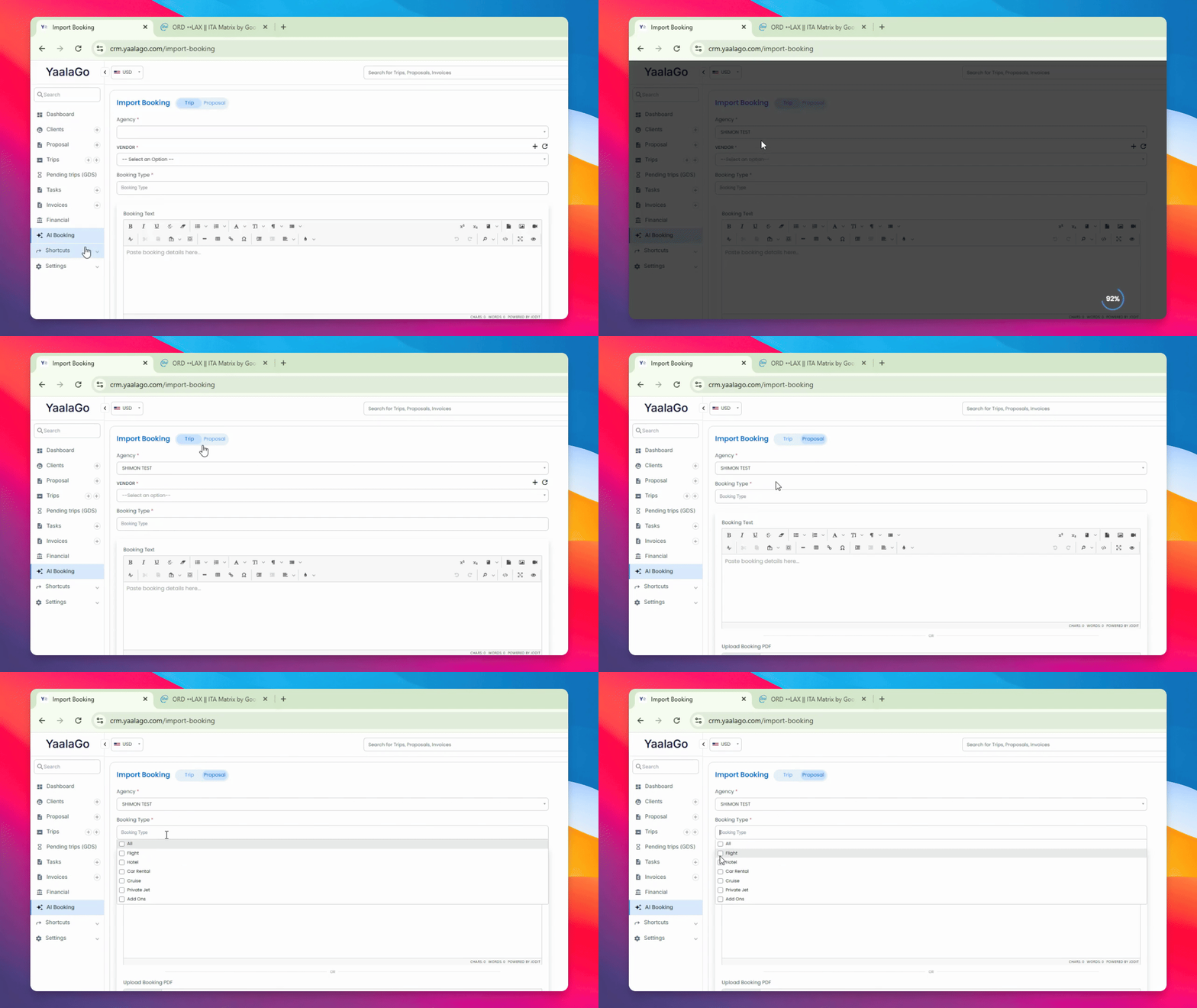
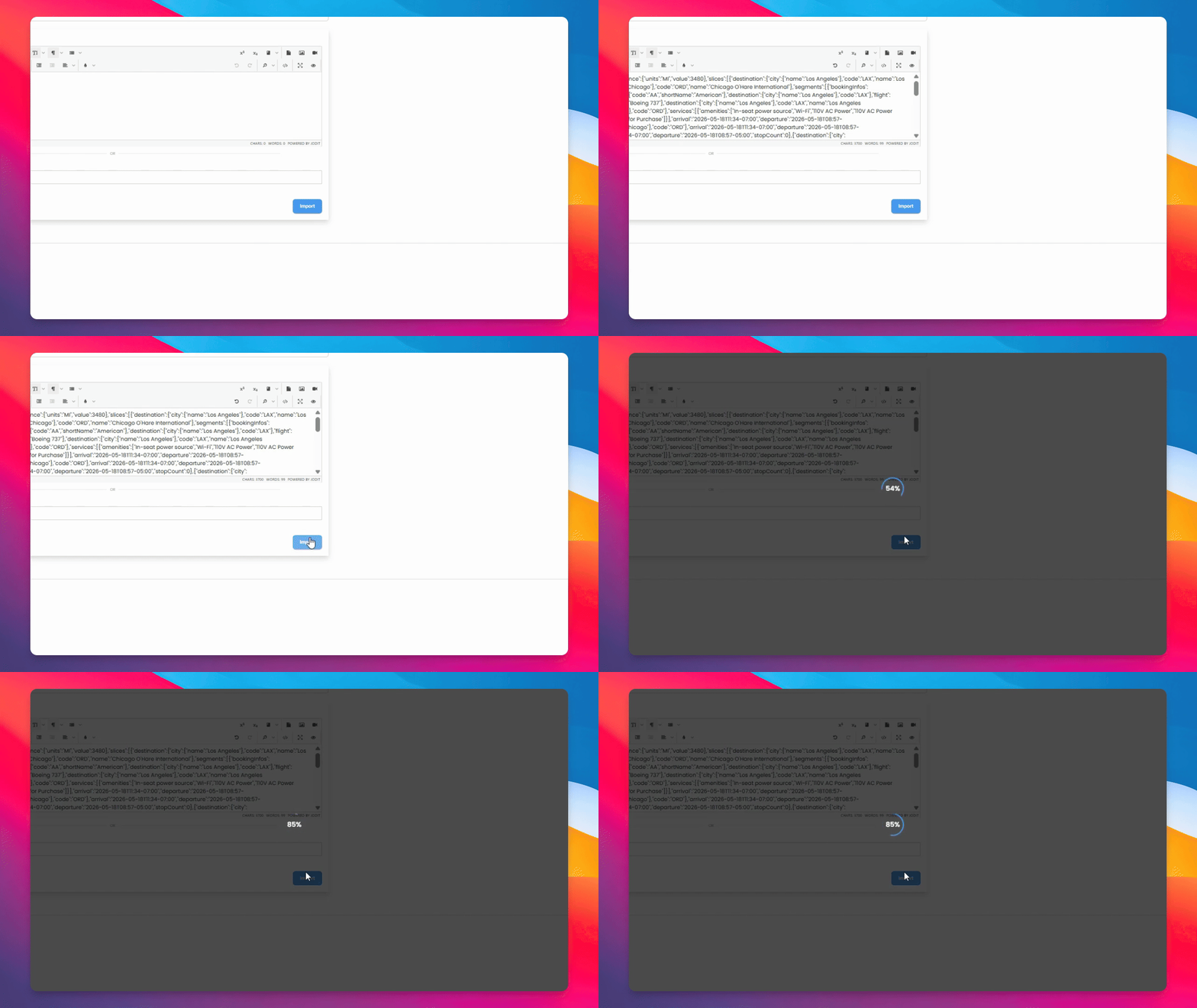
Select Proposal as your booking type. Choose the appropriate booking type, such as flight. Paste the JSON information you copied from Matrix into the provided field.
Step 4: Import and Process the Trip
Click Import and allow the CRM to process your search. Your trip details will then be displayed in Yalago.
Step 5: Review and Edit Trip Details
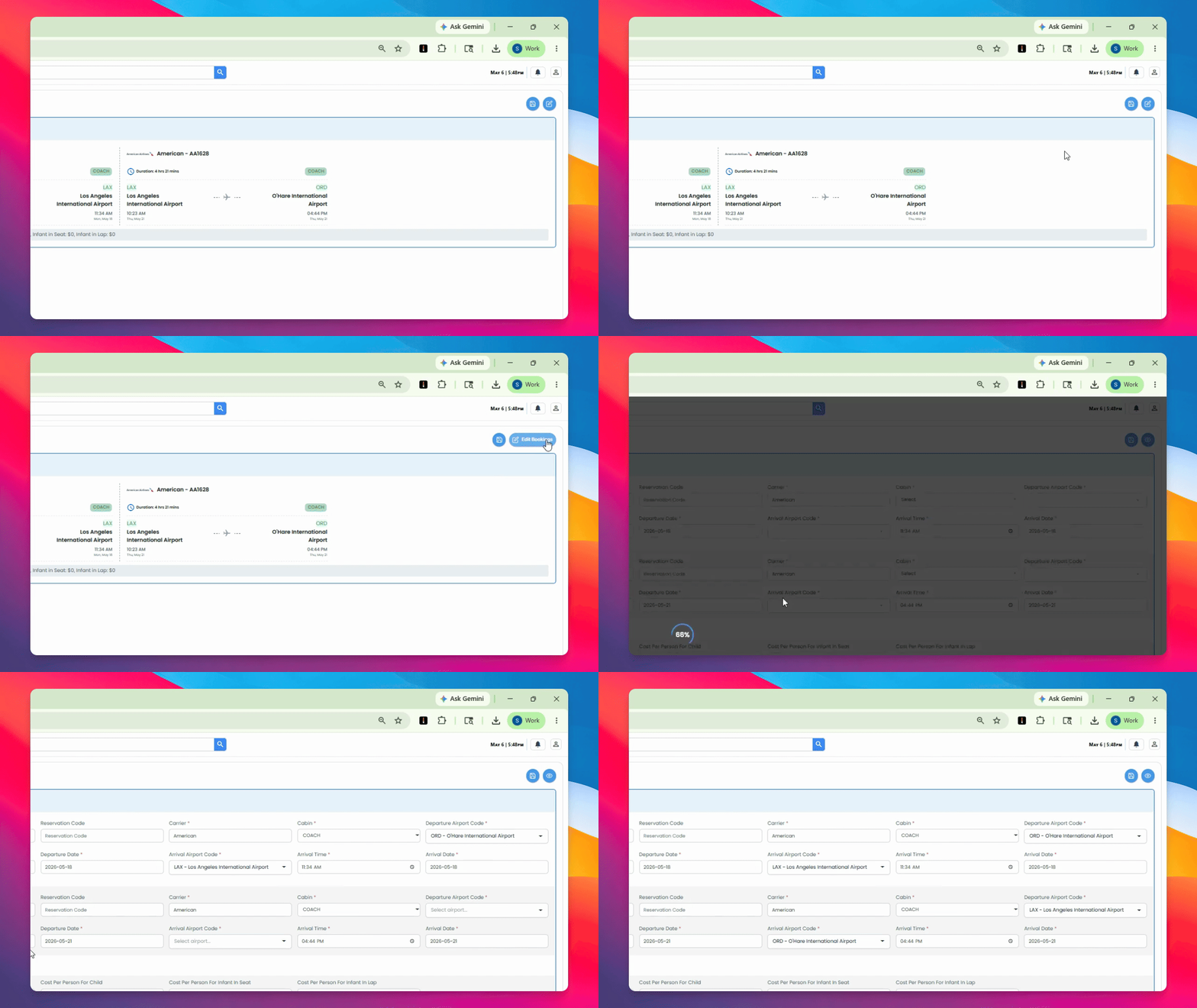
The original price from Matrix will be shown per traveler. Click Edit to modify any fields, including adjusting amounts per adult or per child as needed.
Step 6: Submit and Save the Proposal
When you are ready, submit and save your results. You can choose to create a new proposal or add the trip to an existing proposal.
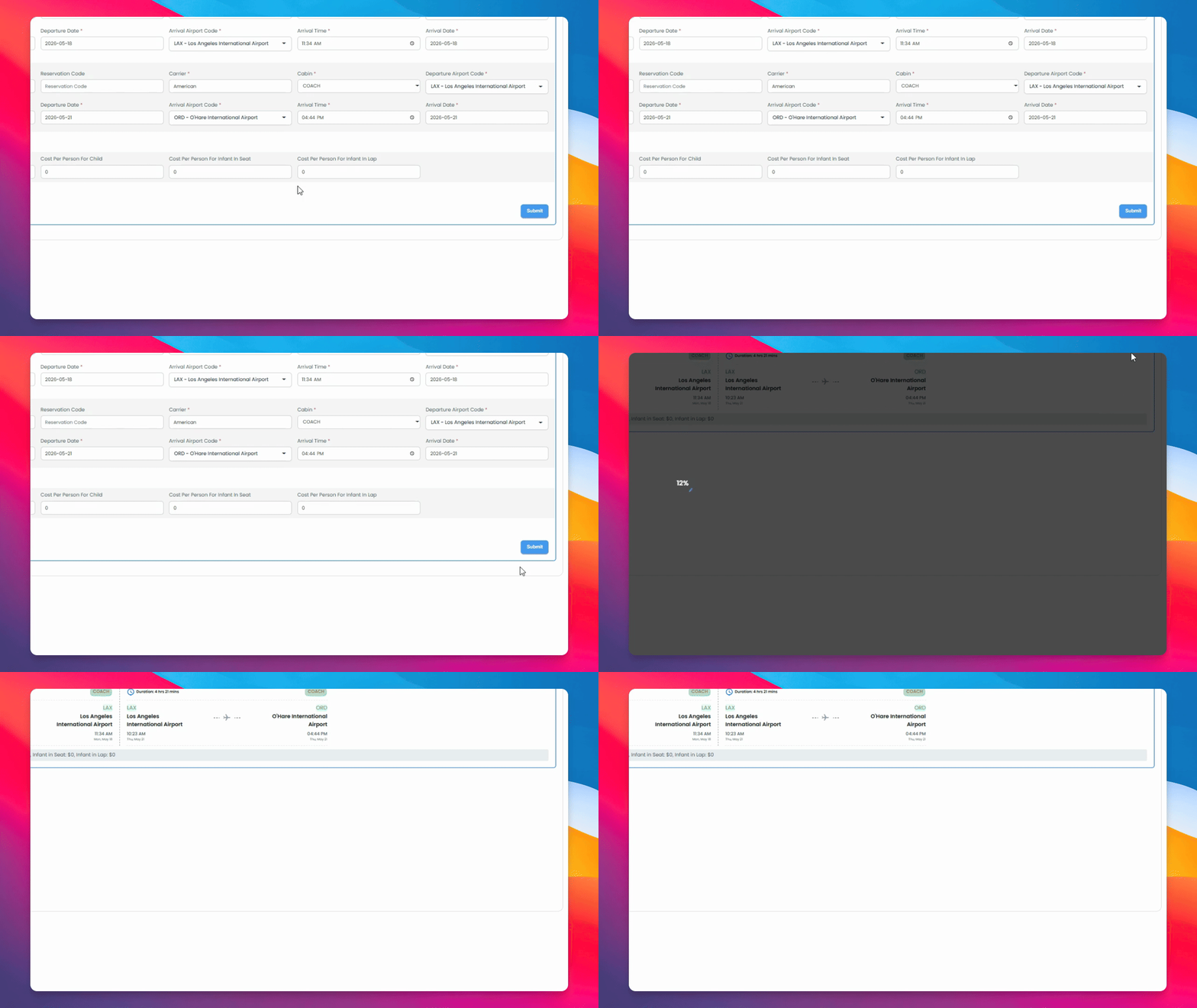
Your proposal is now ready for use.
The information imported from Matrix can also be used with the plus Flight GDS function to create graphic or text-based proposals for clients. Additionally, it can be used in the addtrip function to create long cells that can be sold directly into the GDS.