

Today we're going to add an AI booking an external GDS booking directly into a proposal using our AI booking tool. Let's look at the steps:
Step 1: Toggle On Proposal Section
Head over to the AI booking section and Toggle on the propsal section, Make sure to add your agency and the booking type.
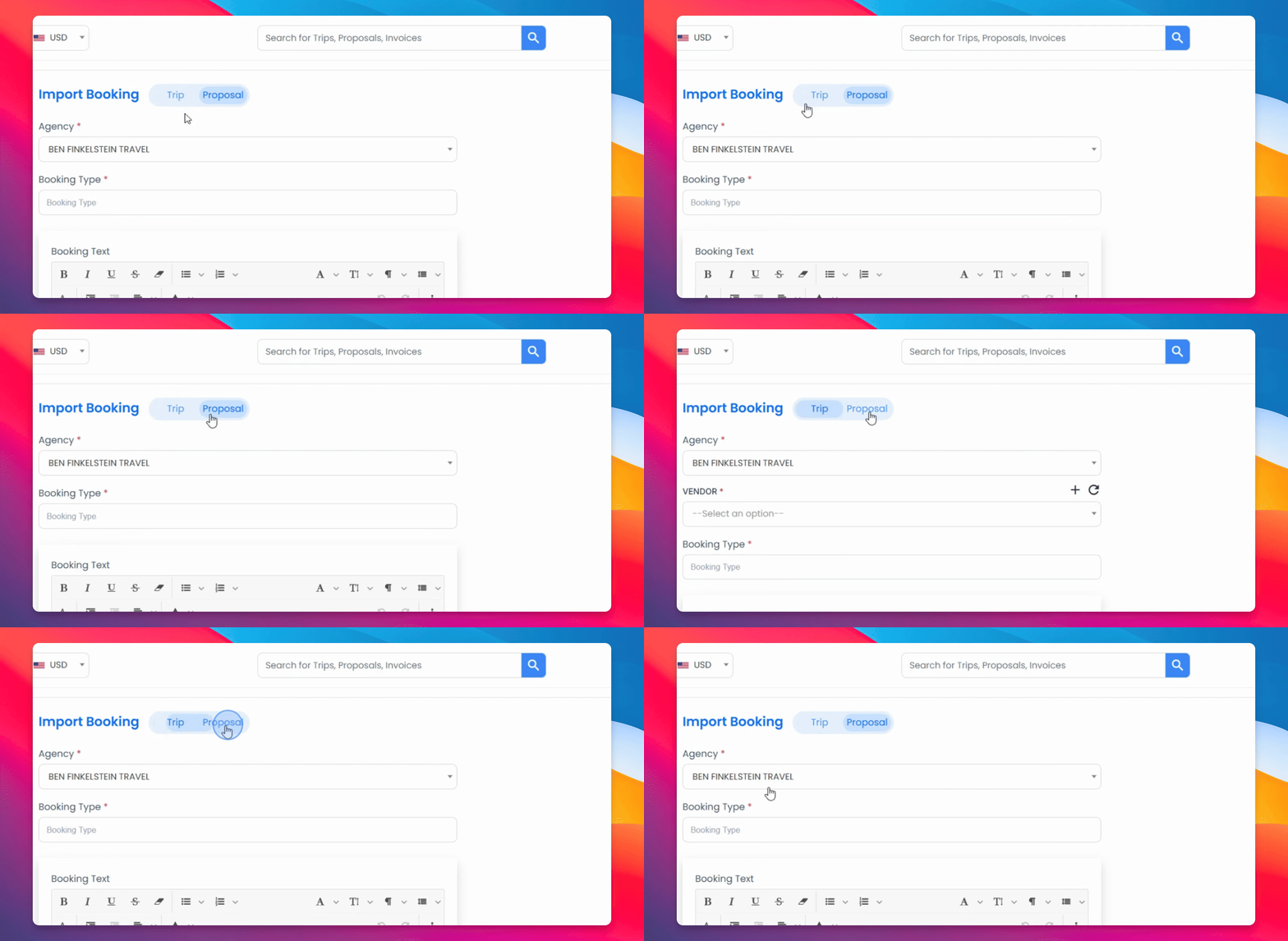
Step 2: Enter Confirmation Text
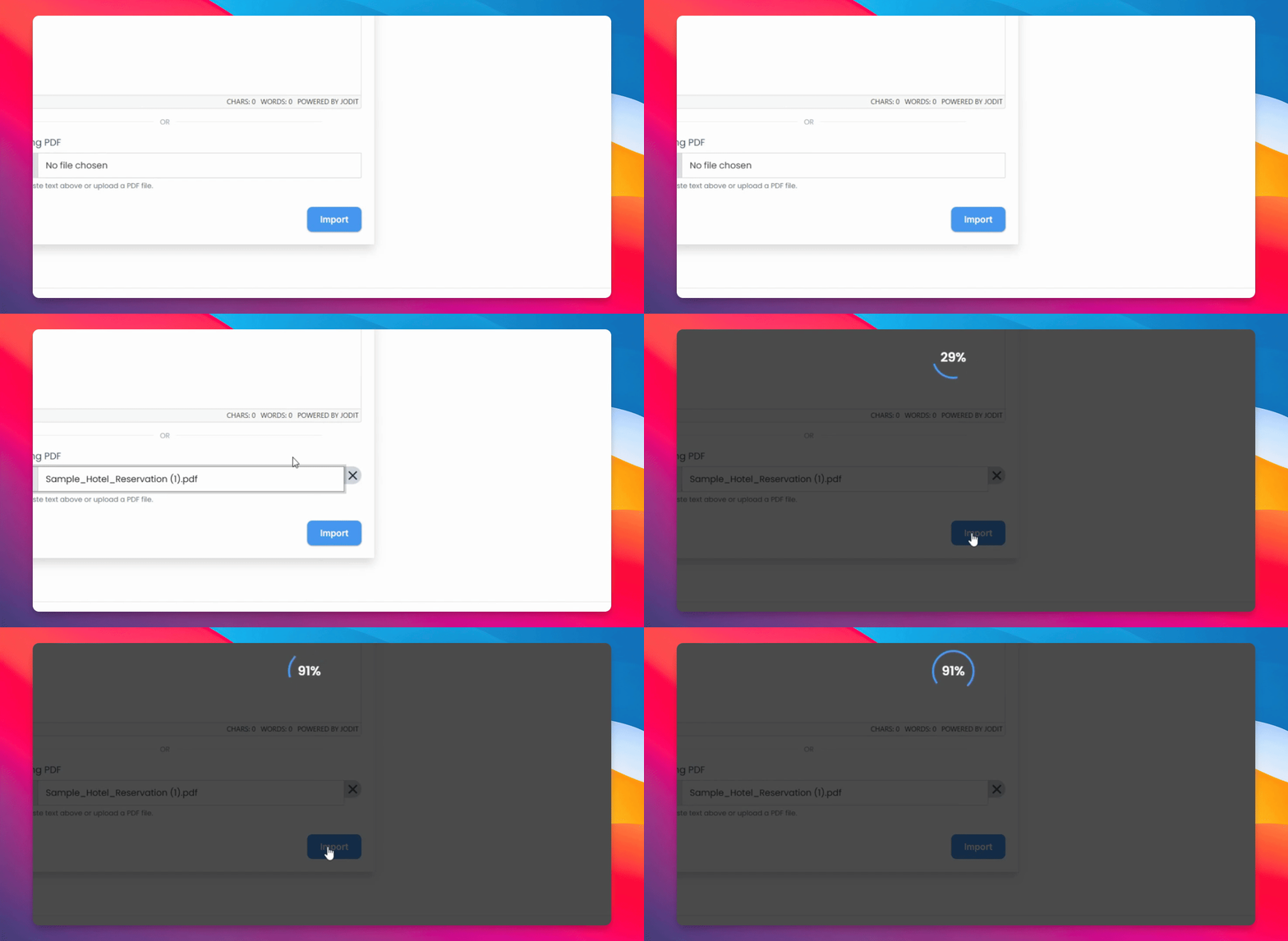
You can then enter your confirmation text here or simply choose a PDF.
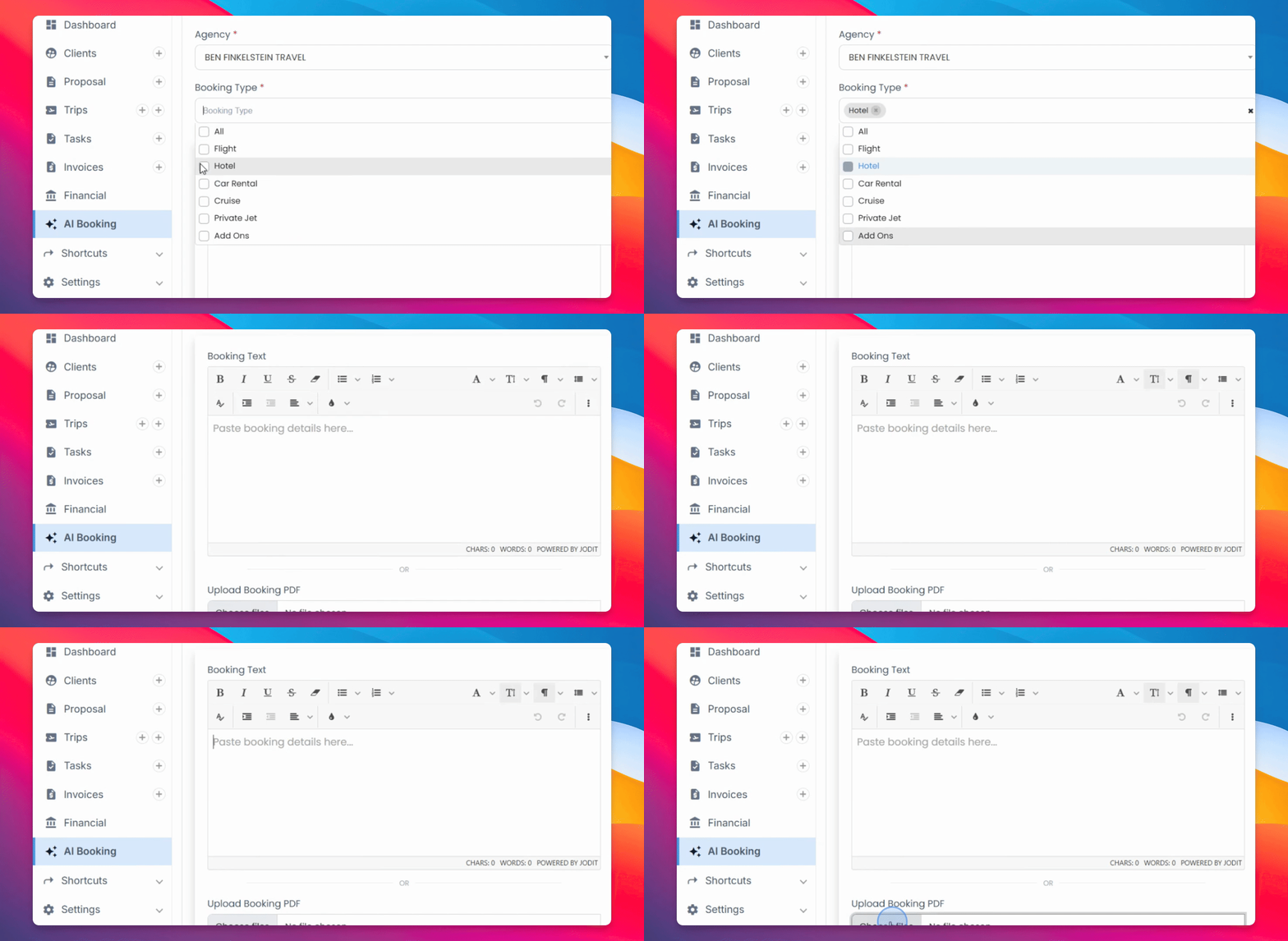
Step 3: Verify Information
Once submitted, make sure that all the information you enter is accurate and correct. Go over everything, check that the amounts make sense, find details, and save.
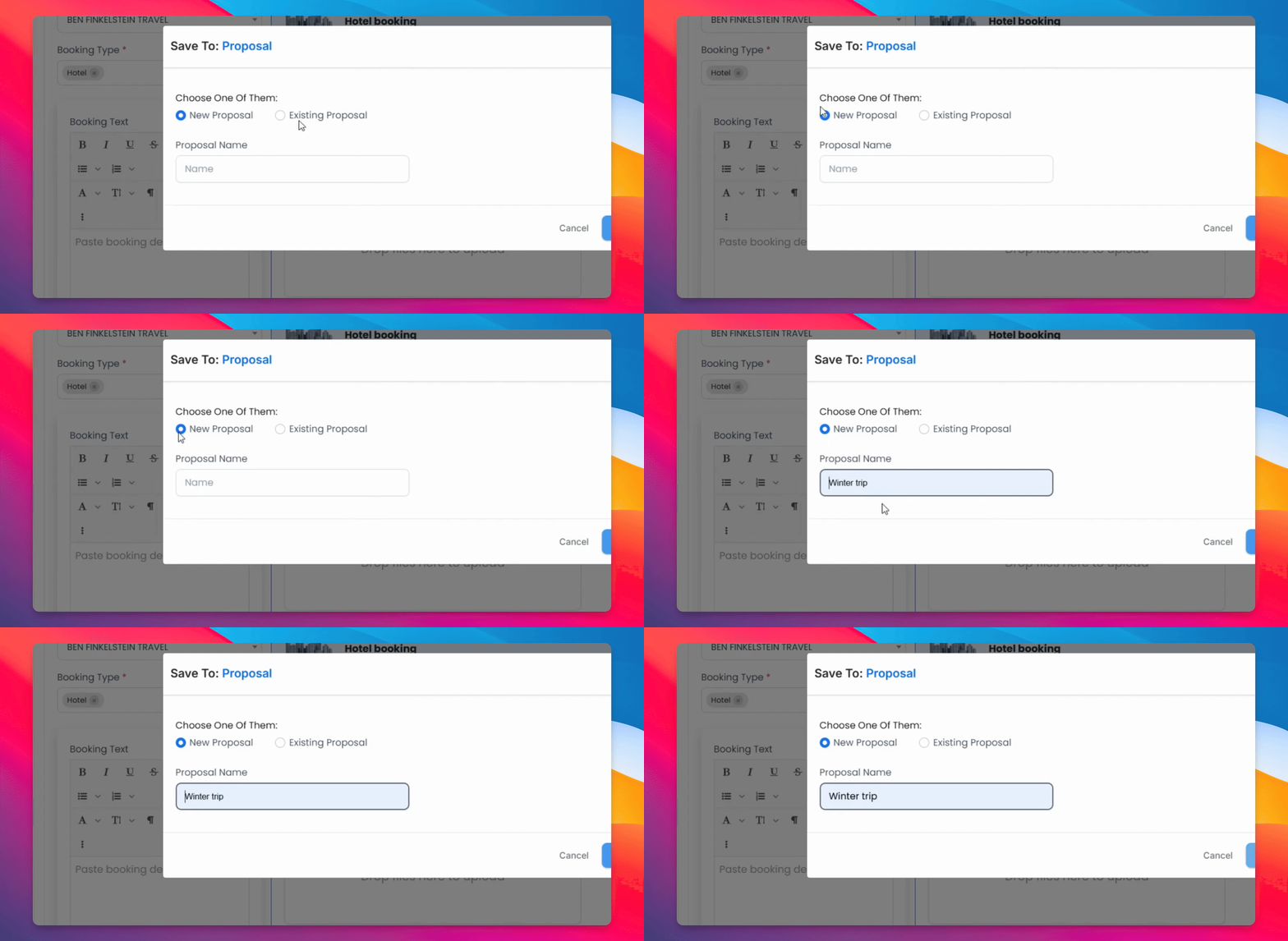
Step 4: Add to Proposal
You will be adding it either to a new proposal or an existing proposal. In case of a new proposal, enter your name and submit.
Step 5: Share Proposal
Once submitted, it should go beautifully onto a proposal that you can then share with your customer.
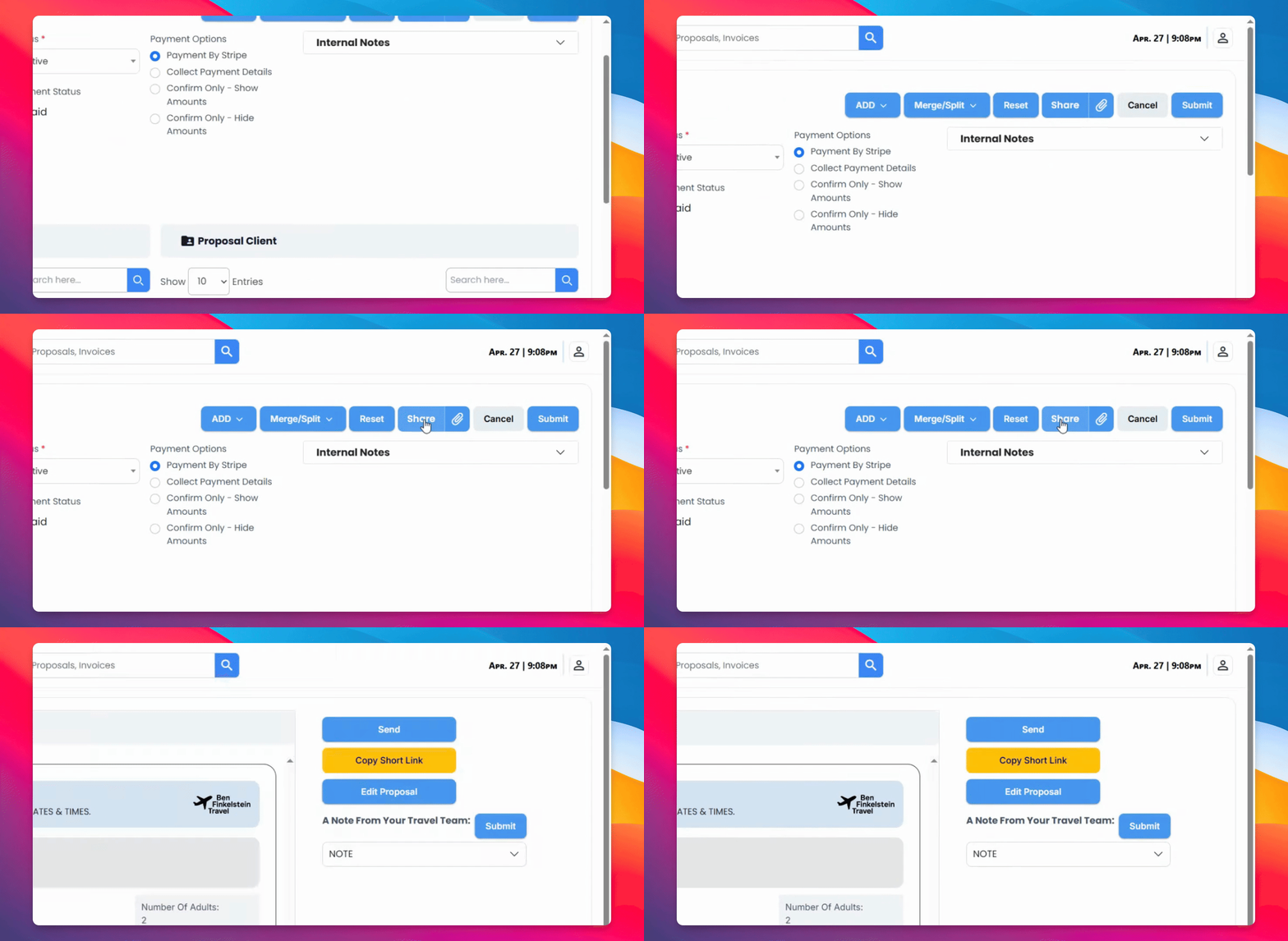
And here you have it. The hotel has been brought in and you can share it with your customer for them to review and pay.