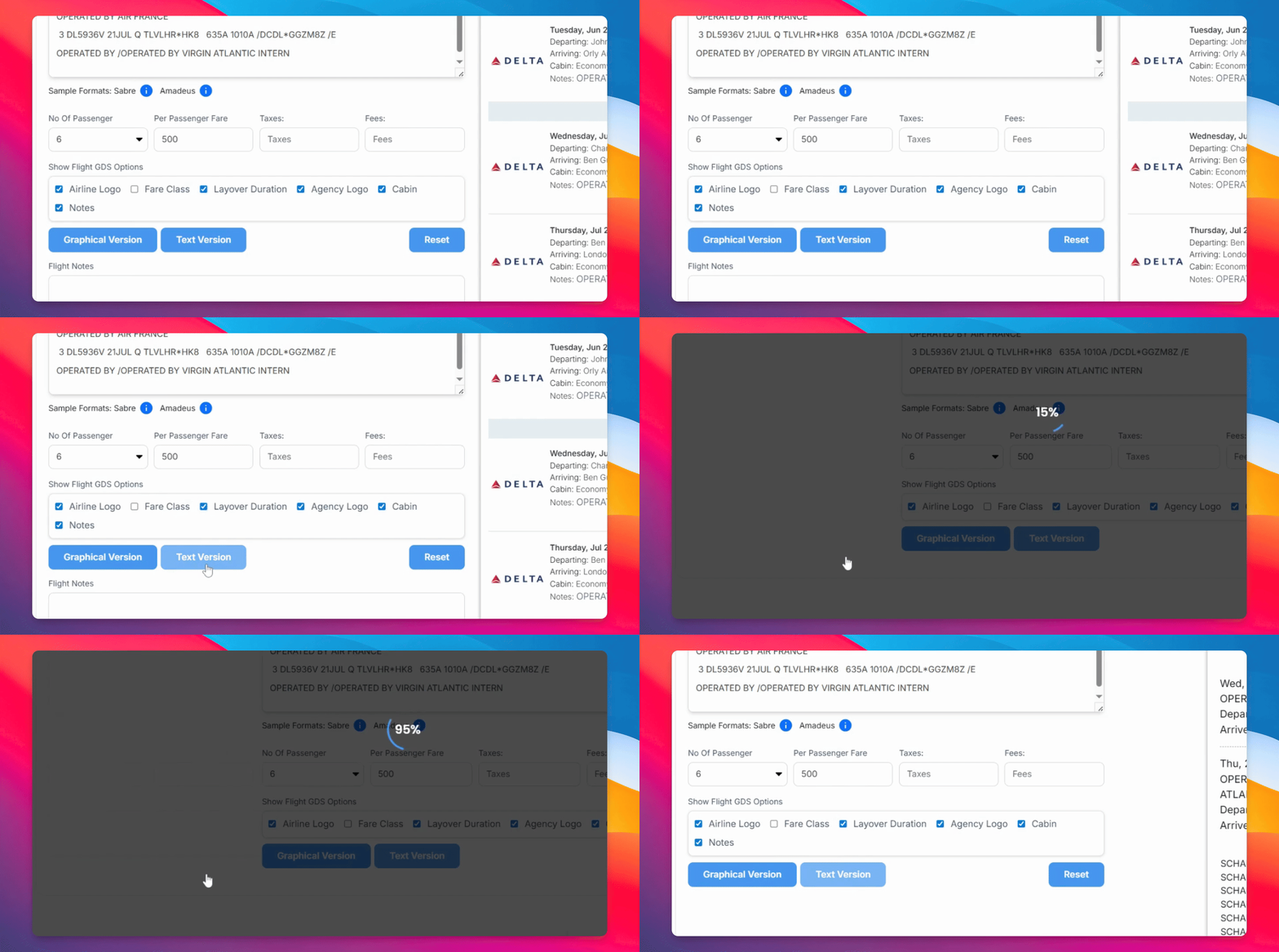

In this video, we are going to discuss the best way to show an option to your client before the ticket has been booked. Let's look at the steps:
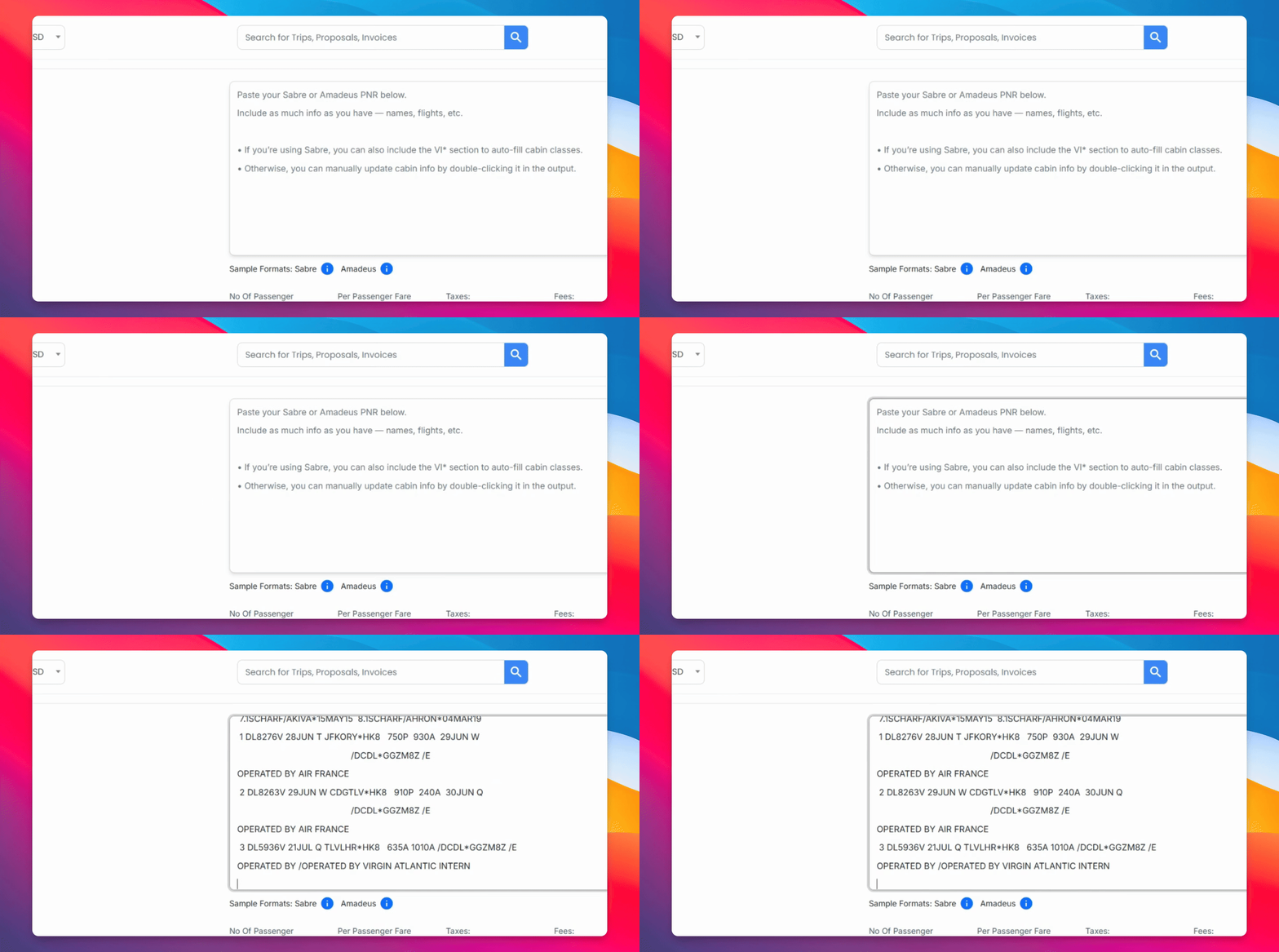
Step 1: Paste In Your PNR
Head over to Display Flights and paste in the PNR. You can adjust the number of passengers and the price per person.
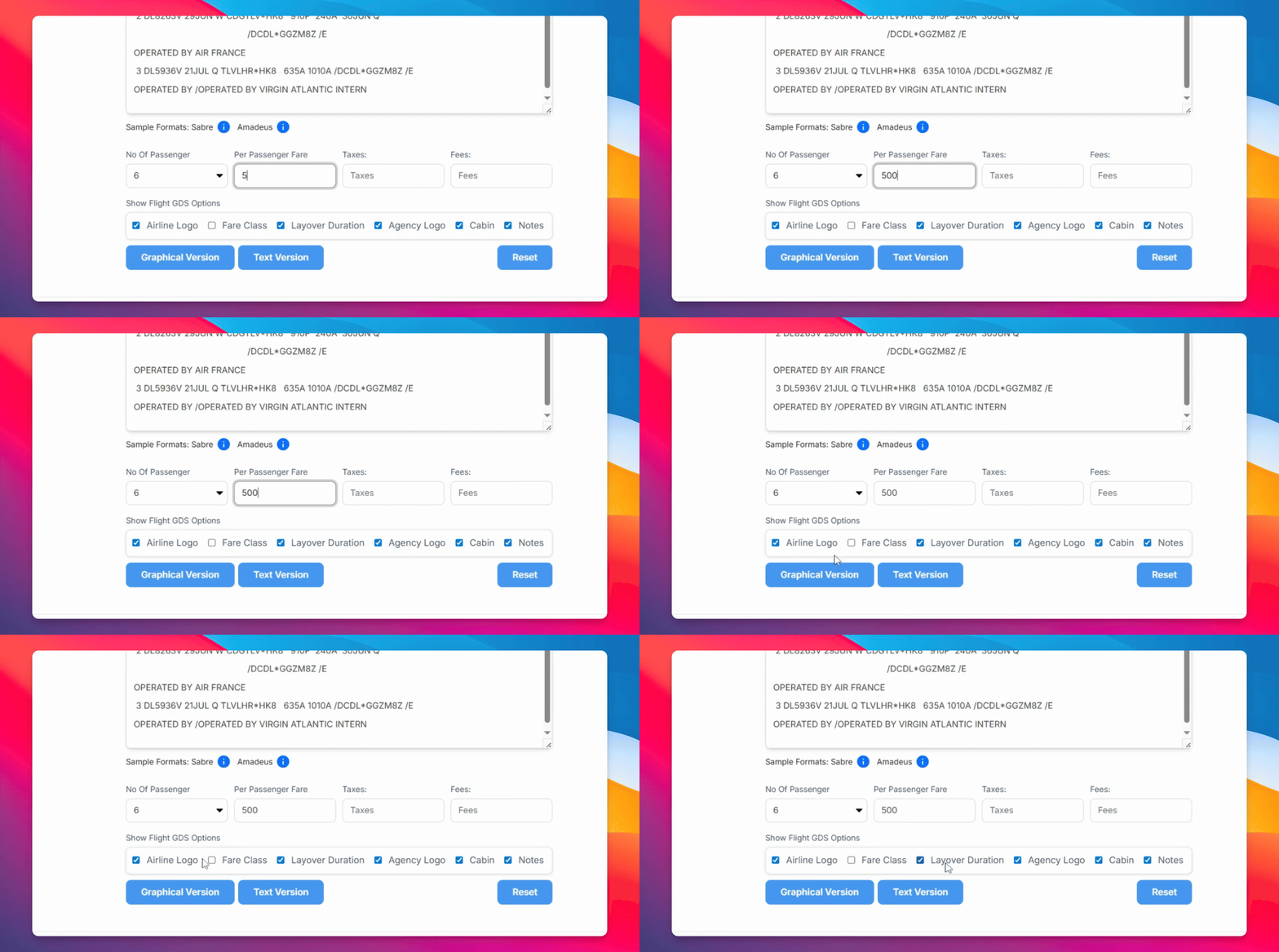
Step 2: Adjust Settings
Adjust the settings according to your needs.
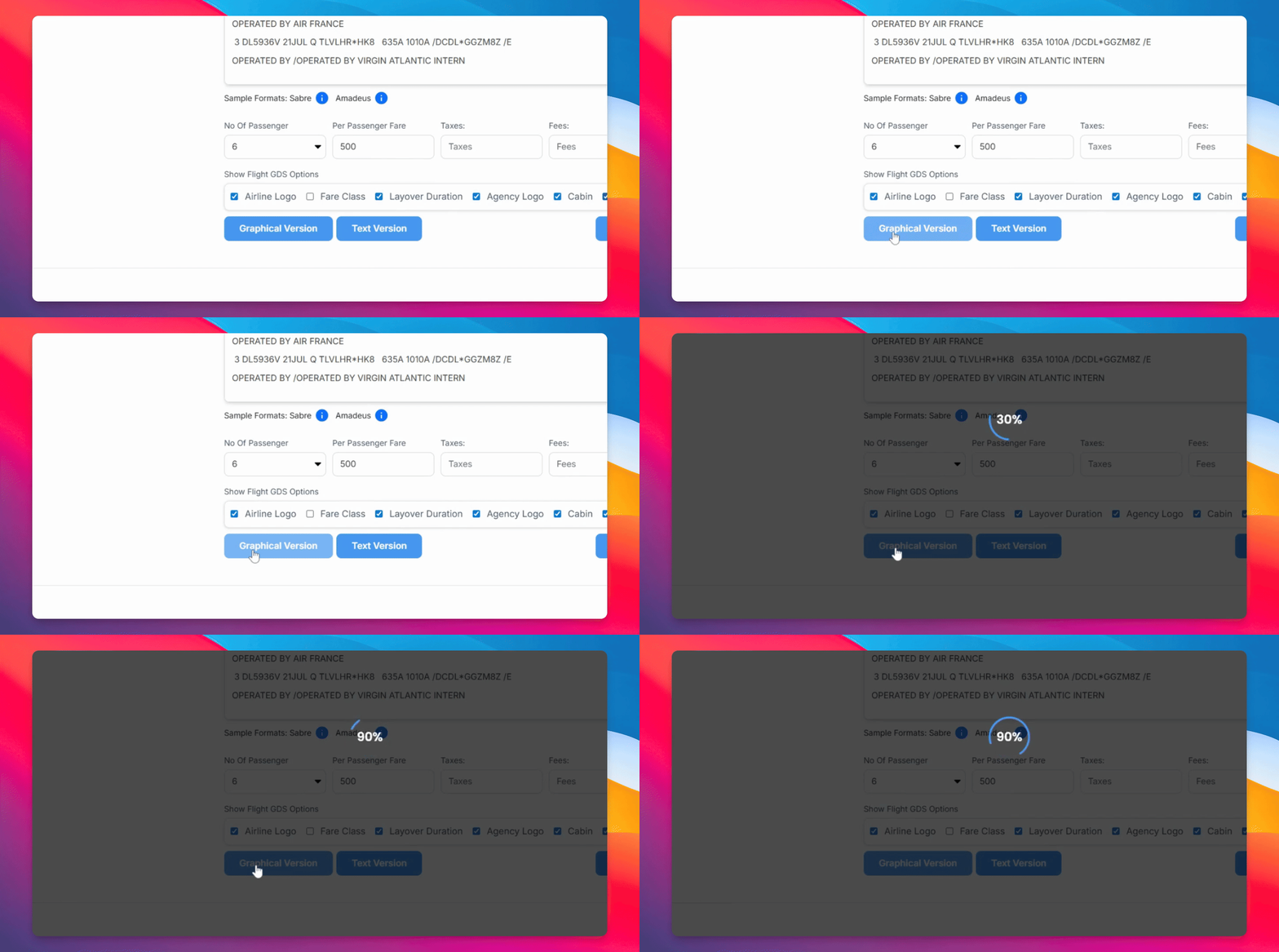
Step 3: Select Graphical View
Select Graphical View to see the options presented with the names and the options below.
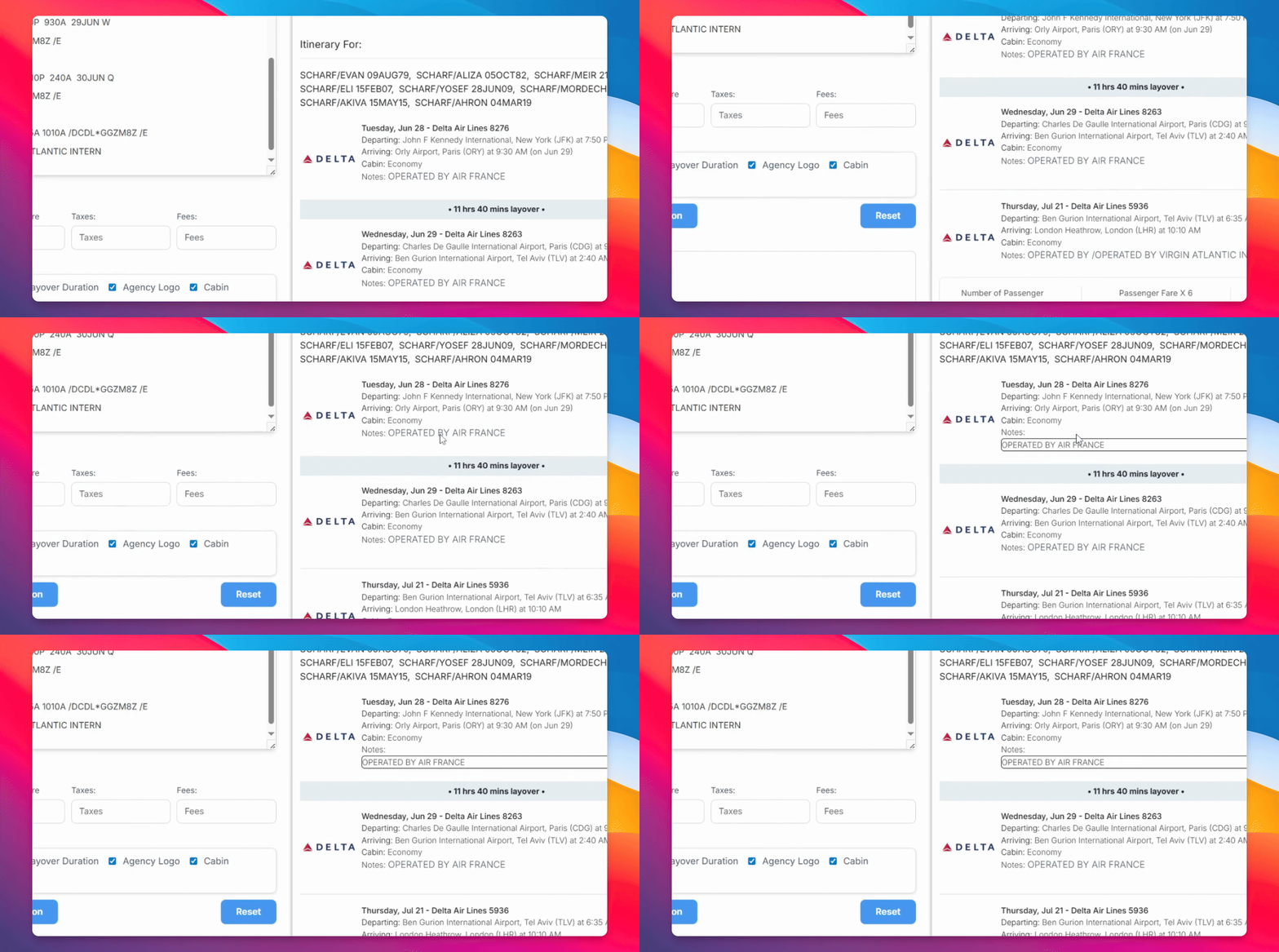
Step 4: Edit Notes
Edit the notes by double-clicking and changing them as needed.
Step 5: Copy or Download
You can either copy the image, download it, or take a screenshot.
Step 6: Use Text Version
Head over to the text version for a more simple yet efficient option for email or WhatsApp.