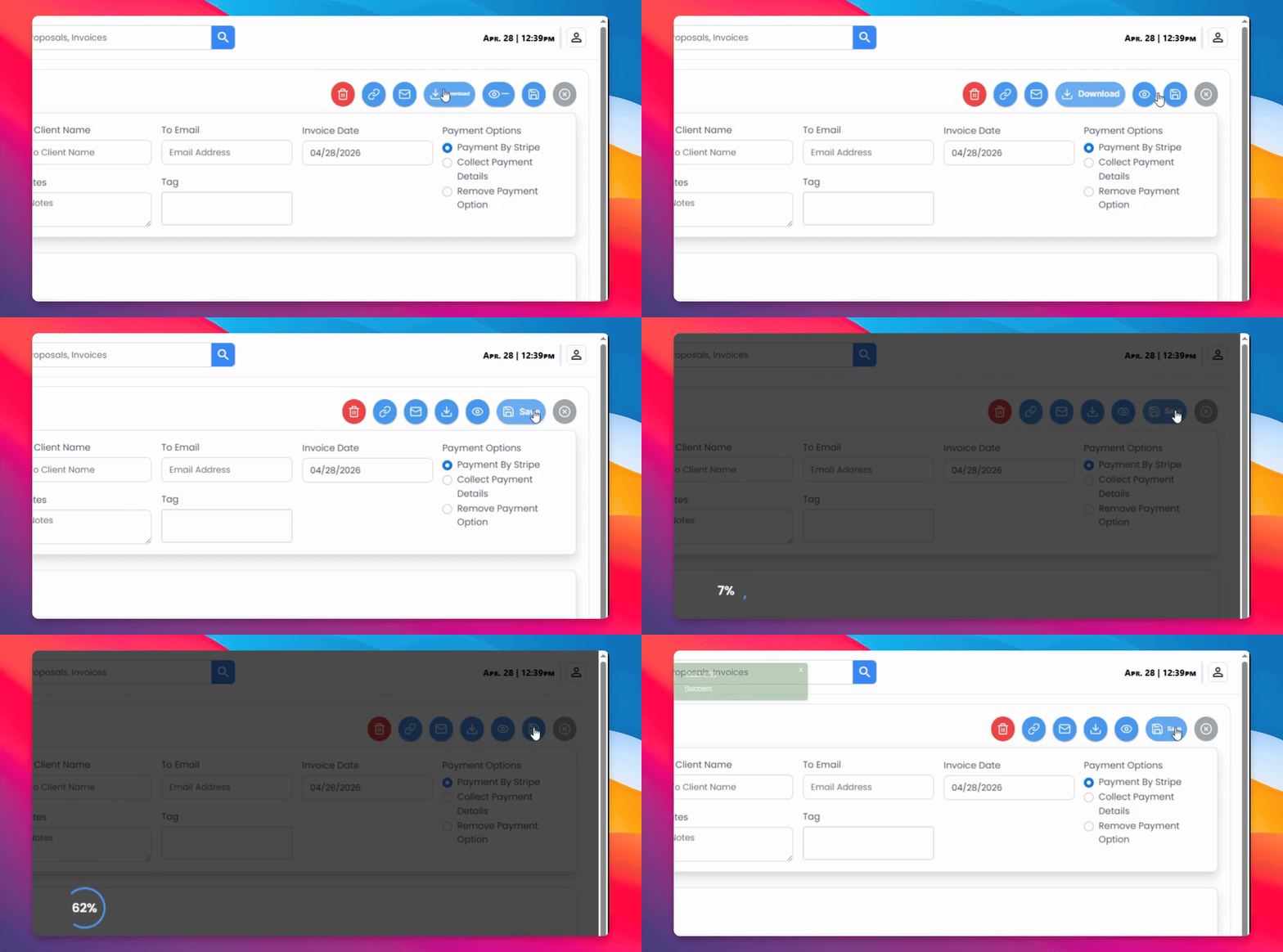

To view your invoices, navigate to the Invoice tab where you'll find a list of created invoices. Let's look at the steps:
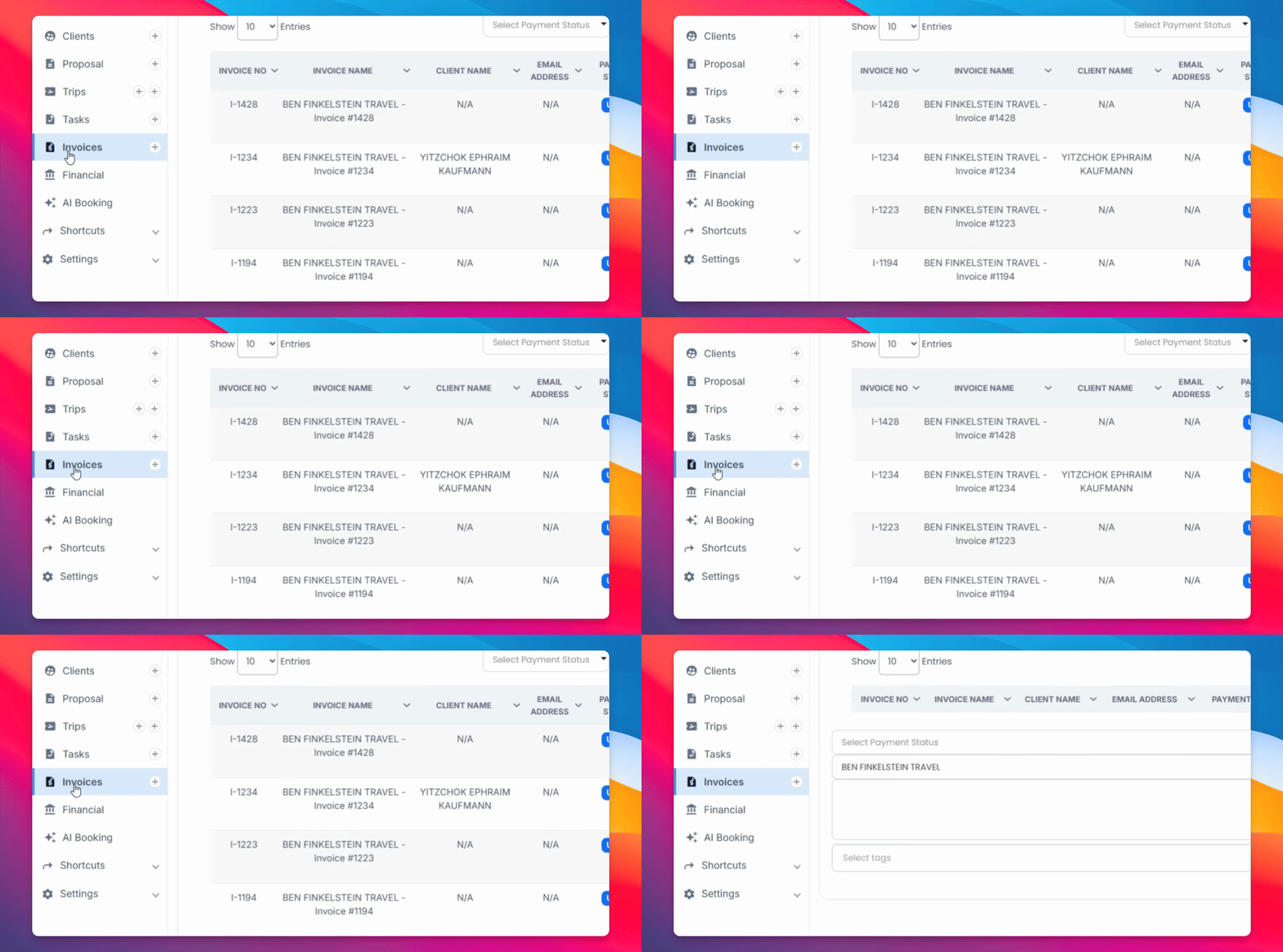
Step 1: Select Invoice Type
Select the type of invoice you'd like to see, as well as specific clients.
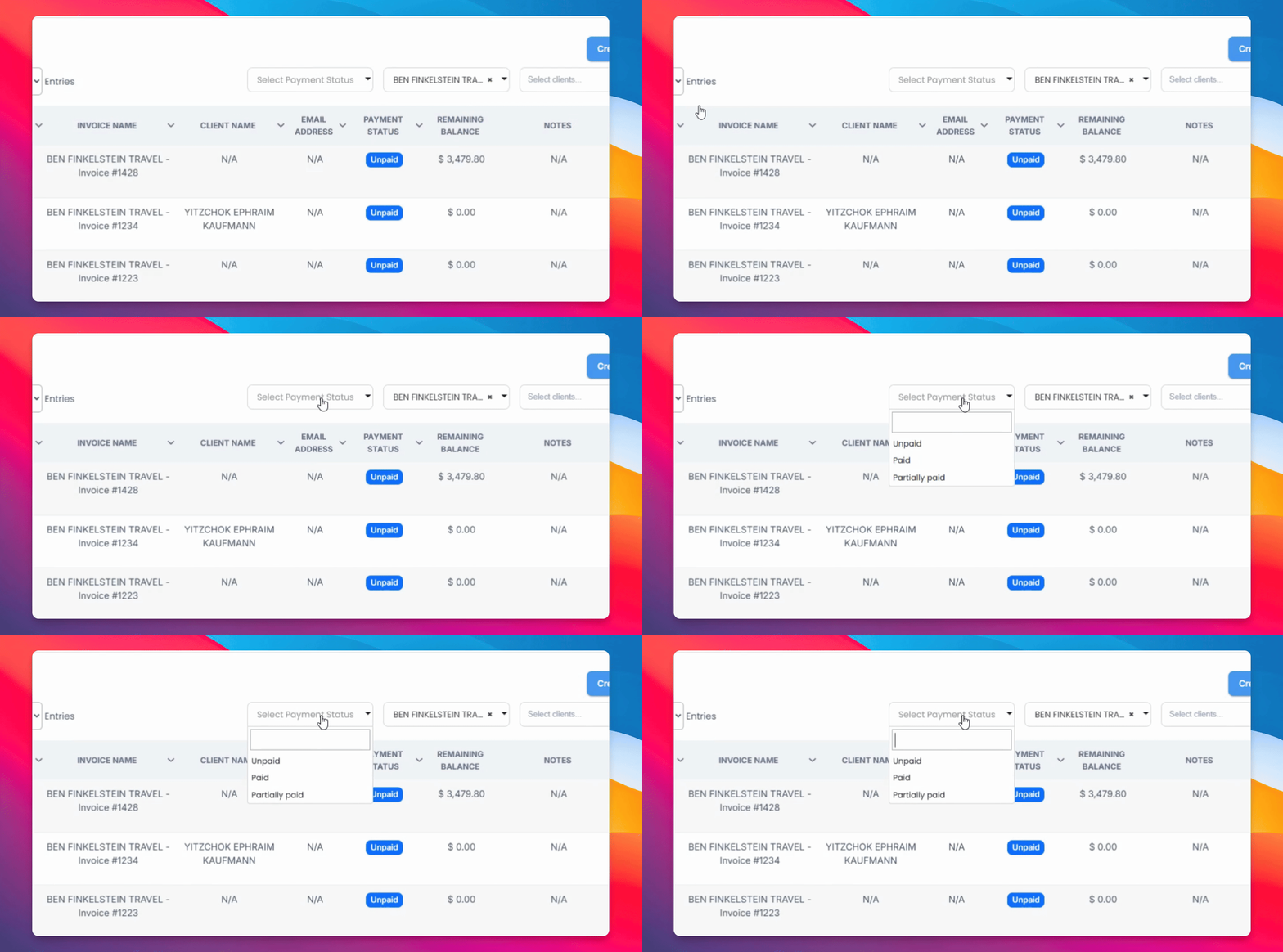
Step 2: Edit Invoice
Choose a specific invoice to edit. You can change the payment method and show remaining amounts.
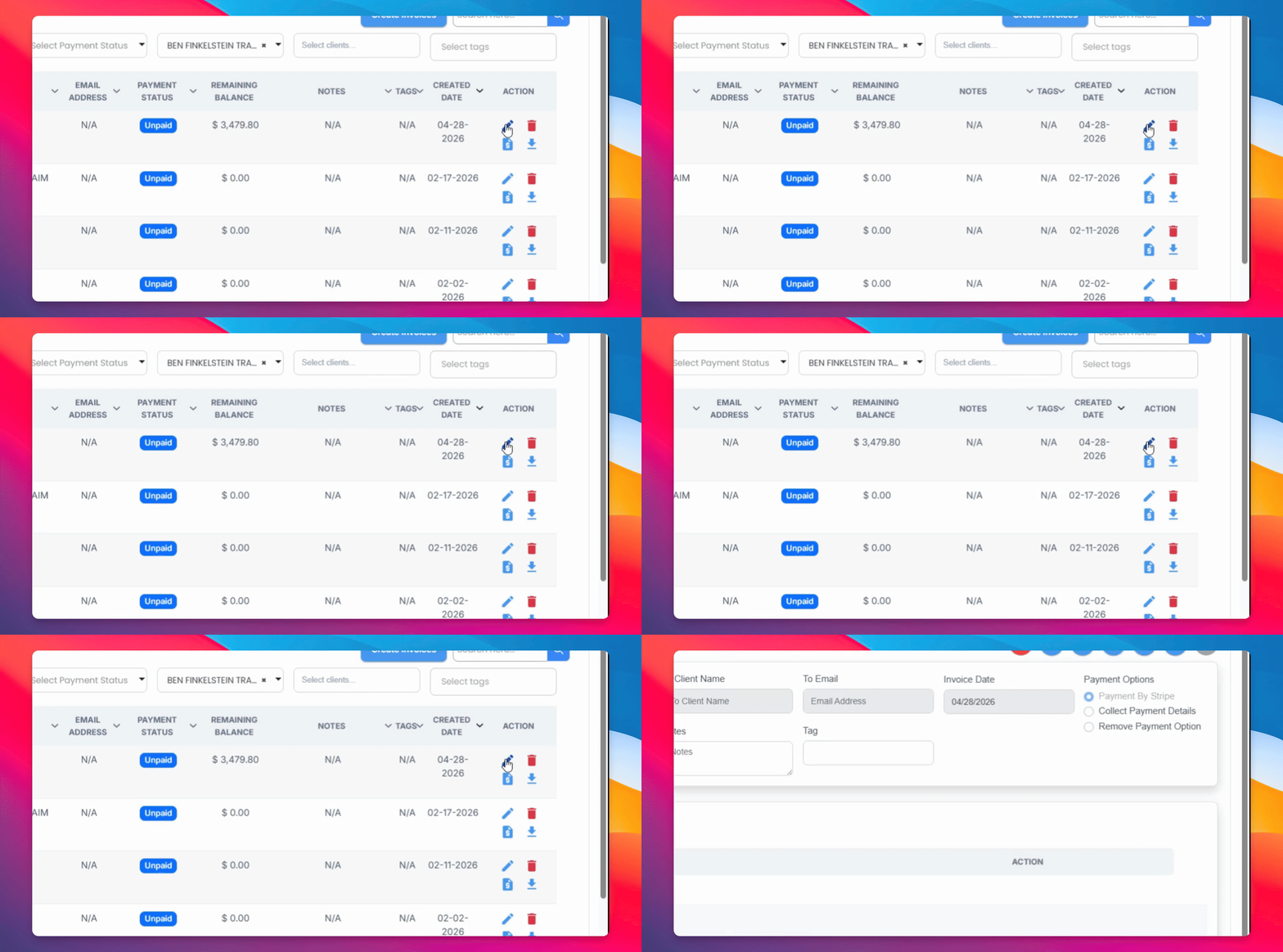
Step 3: Toggle Options
You can toggle off the display of remaining amounts if needed.
Step 4: Edit Items
Edit the flights and bookings included in the invoice, and add more by clicking Add Items.
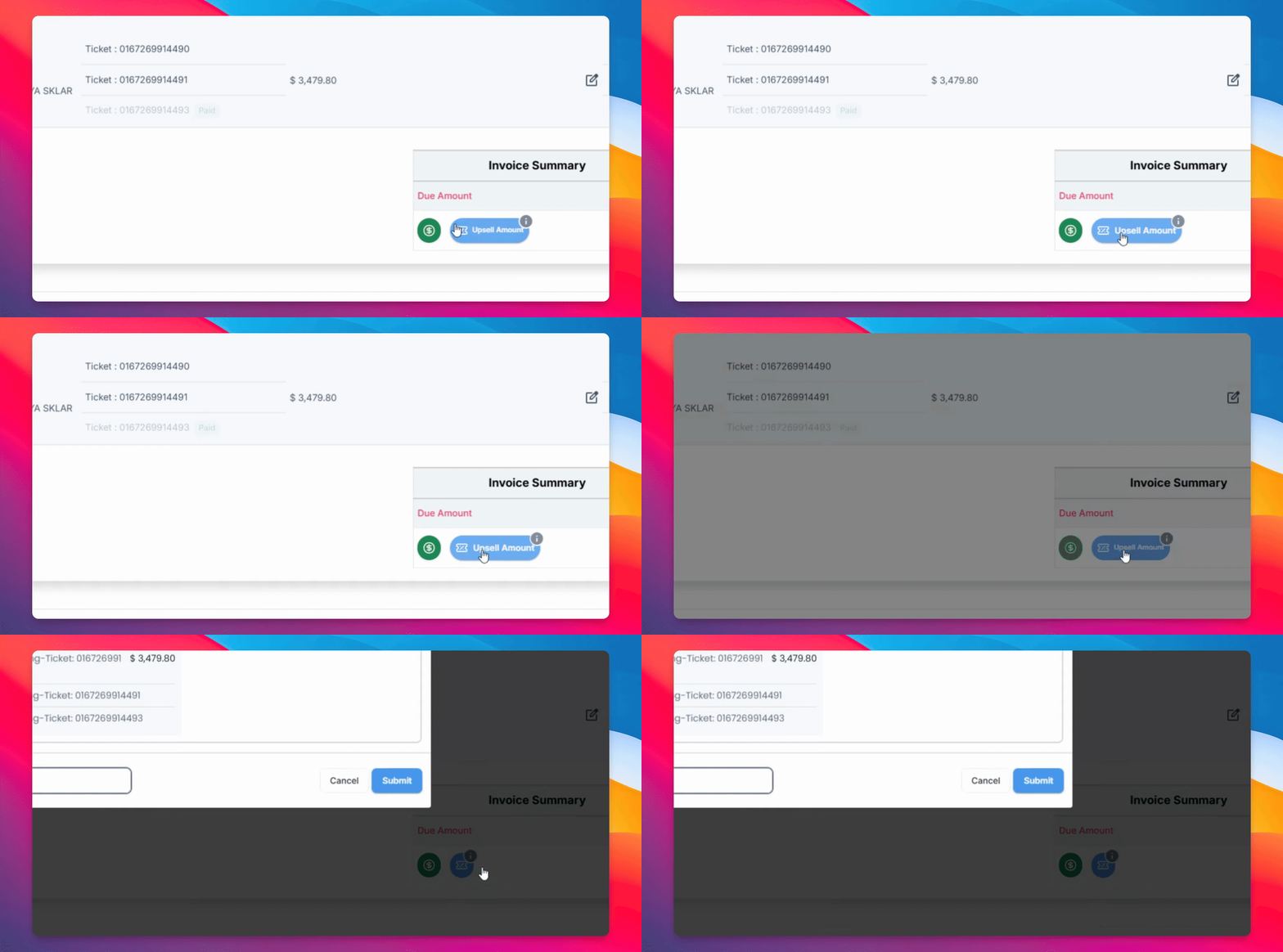
Step 5: Upsell Amounts
You can upsell ticket amounts by selecting $50 for all tickets, and then submit these changes.
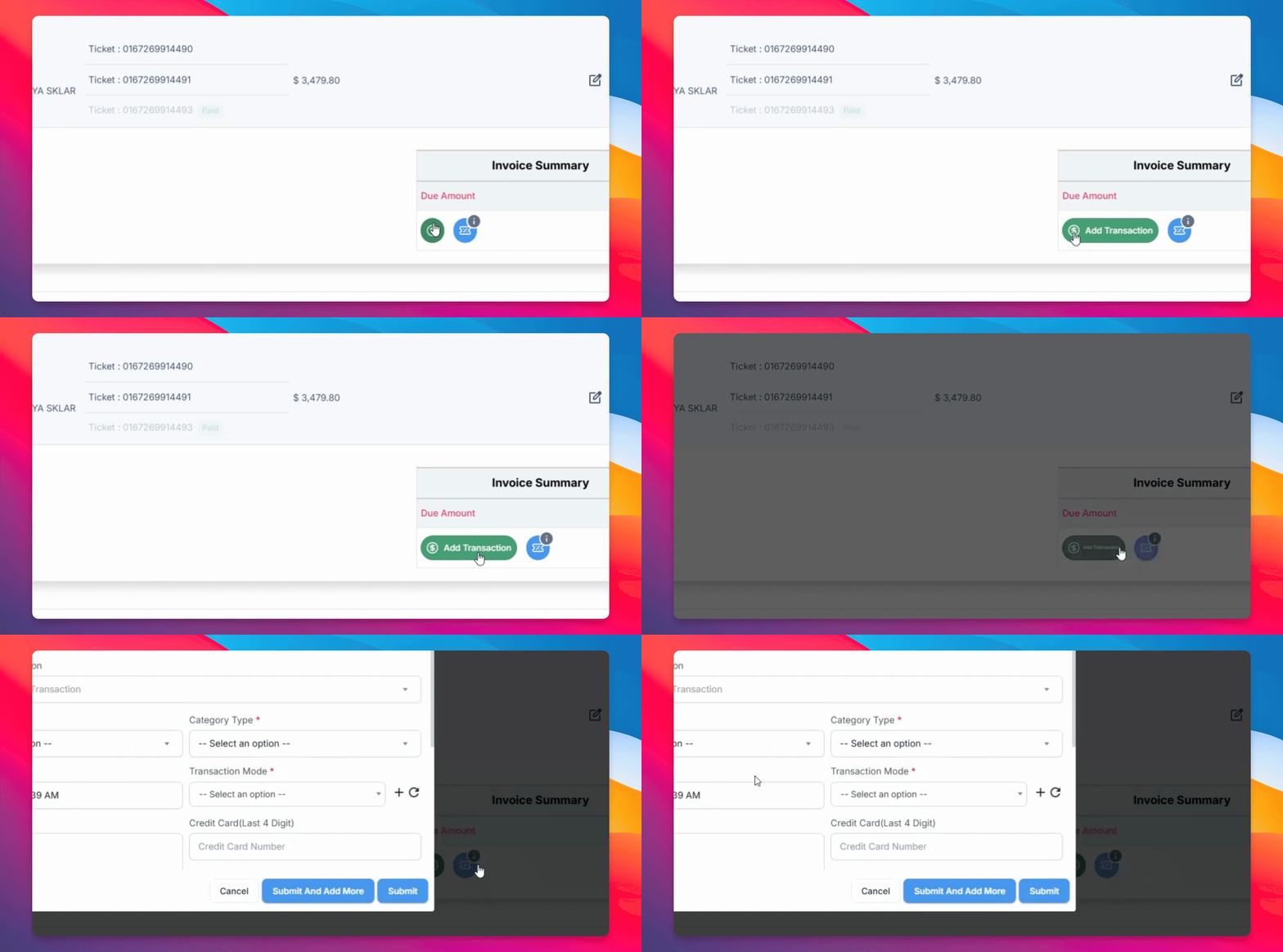
Step 6: Add Transaction
Add a transaction to mark an invoice as paid if one of the items has been paid.
Step 7: Save Changes
Make sure to save your changes to update the invoice.